EasyManua.ls Logo

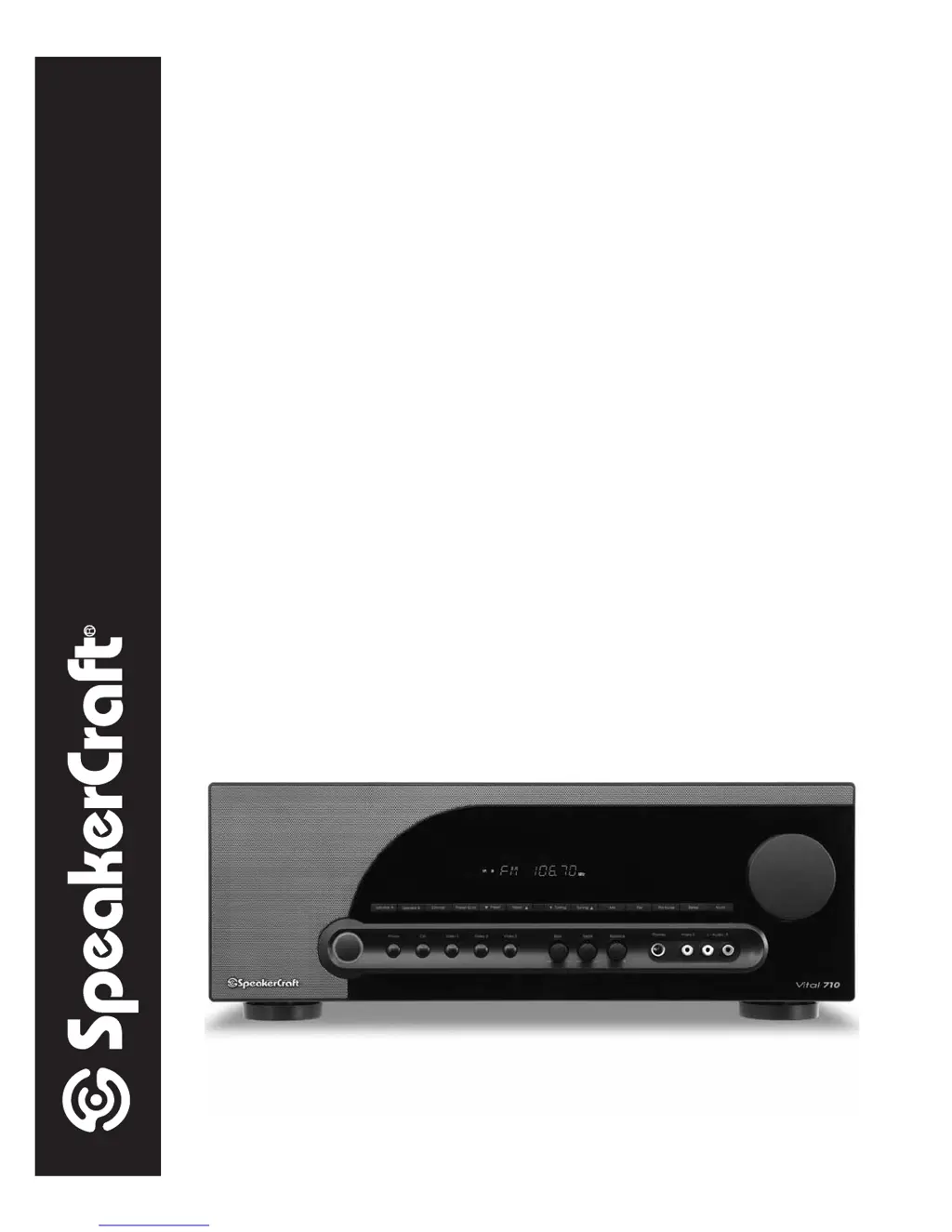
SpeakerCraft Vital 710 - User Manual

SpeakerCraft Vital 710
36 pages
Print Icon
To Next Page IconTo Next Page
Loading...
INSTALLATION INSTRUCTIONS

80W x 2 Channel A/V Receiver

Table of Contents

Other manuals for SpeakerCraft Vital 710

Questions and Answers

  • C
    Chris SmithAug 8, 2025
    What to do if my SpeakerCraft Vital 710 Receiver has no sound from speakers?
    • R
      Rebecca MedinaAug 8, 2025
      If you're experiencing no sound from your speakers with your SpeakerCraft Receiver, here are a few things to check: * Make sure the source audio and speaker connections are secure. * Ensure your speakers are powered on and the volume is turned up, and that the receiver is not muted. * Verify the correct source is selected, turned on, and playing. * If headphones are connected, unplug them. * Check the Pre-Out/Main In Jumper connections. * Confirm Tape Monitor is OFF if it's not the source you want. * Set the Sub Out Link S/W Switch to ON. * Confirm the Sub Out Trigger connection.
  • C
    Carrie SchultzAug 13, 2025
    How to fix SpeakerCraft Vital 710 when it does not power up?
    • W
      walkerrobertAug 14, 2025
      If your SpeakerCraft Receiver isn't powering on, make sure the power cord is properly plugged into a working 110V AC outlet. Also, check that the Main Power Switch on the rear panel is in the ON position.
  • S
    Shelly GlassAug 19, 2025
    What to do if there is no video signal on TV from SpeakerCraft Vital 710 Receiver?
    • M
      Maureen AyalaAug 19, 2025
      If you're not getting a video signal on your TV or video display from your SpeakerCraft Receiver, check the following: * Ensure the source video connections are properly connected. * Verify the video connection from the Receiver's Monitor OUT to your TV/Video Display's Composite Video IN. * Confirm that the correct Composite Video Input is selected on your TV/Video Display. * Make sure the source is selected, turned on, and playing.
  • V
    Victor MayoAug 26, 2025
    Why SpeakerCraft Vital 710 Receiver remote does not control my device?
    • E
      Edward LongAug 26, 2025
      If the remote isn't controlling your SpeakerCraft Receiver, try replacing the batteries. Also, make sure there's a direct line of sight between the remote and the IR Sensor on the Receiver's front panel. Bright or high ambient light may interfere with the IR Sensor; try blocking any such light.
  • W
    Walter ChurchSep 1, 2025
    How to improve bad reception on SpeakerCraft Vital 710?
    • J
      josephhillSep 1, 2025
      If you're experiencing poor reception with your SpeakerCraft Receiver, check the AM/FM antenna connections to the receiver. Ensure the antennas are positioned for the best possible reception. Also, move the antenna away from potential sources of interference, such as computers, microprocessors, fluorescent lights, or motors.

Summary

Vital 710 Safety Instructions

Electrical Safety Warnings

Important safety precautions related to electrical shock and product safety.

Graphical Symbols Explained

Explanation of warning symbols like lightning flash and exclamation point.

General Operational Safety

Guidelines for safe usage, installation, and maintenance of the apparatus.

Vital 710 Features Overview

Whats Included

List of items provided with the Vital 710 A/V Receiver.

Amplifier and Audio Capabilities

Details on amplifier power, input types, and audio features.

Video and Control Features

Overview of video inputs, outputs, and control functions.

Remote Control Functions

Summary of features controllable via the remote.

Vital 710 Front Panel Operations

Front Panel Controls and Functions

Detailed explanation of each button and knob on the Vital 710 front panel.

Vital 710 Rear Panel Connectivity

Rear Panel Connectivity Guide

Instructions and diagrams for connecting various audio and video sources.

Vital 710 Remote Control Operations

Remote Control Functions

Detailed explanation of all buttons and their functions on the remote control.

Vital 710 Installation Guide

Airflow and Ventilation

Recommendations for proper air circulation to prevent overheating.

Speaker Placement Recommendations

Guidance on optimal placement of speakers for best audio performance.

Vital 710 Audio Connections

Speaker and Subwoofer Setup

How to connect speakers and subwoofers to Speaker A/B terminals.

Multi-Room Speaker Wiring

Instructions for connecting multiple speaker pairs for whole-house audio.

Impedance Matching for Multiple Speakers

Using volume controls to manage speaker impedance for multi-room setups.

Vital 710 Rear Panel Connectivity

Antenna and Audio Inputs

Connecting AM/FM antennas, turntables, and CD players.

Tape and Video Connections

Connecting tape decks and video devices to the receiver.

Remote and Power Connections

Setting up IR control systems and AC power.

Switched AC Outlet Usage

Utilizing switched outlets for power control of accessories.

Vital 710 Front Panel Connectivity

Video 3 Front Panel Input

Connecting guest devices like game consoles via the front panel.

Headphone Jack Usage

Connecting headphones for private listening.

Vital 710 Basic Operations

Remote Control Battery Installation

How to install batteries in the Vital 710 remote control.

Powering On and Off

Procedures for turning the unit on, off, and into standby.

Speaker Selection and Deselection

How to activate or deactivate Speaker A and Speaker B outputs.

Volume, Mute, Tone, and Balance Controls

Adjusting audio levels, muting sound, and setting tone/balance.

Source Selection and Tuner Operation

Choosing audio/video sources and using the AM/FM tuner.

Preset Channel Management

Storing, scanning, and manually tuning preset radio channels.

Display Dimming and Sleep Timer

Adjusting display brightness and setting the sleep timer.

Tape Monitoring and System Reset

Using tape monitor for recording and resetting the unit.

Vital 710 Troubleshooting

Power Issues

Solutions for problems related to powering up the unit.

Audio Problems

Troubleshooting steps for no sound or subwoofer issues.

Video Issues

Solutions for problems with video signal display.

Tuner Reception Problems

Tips for improving radio reception and preset issues.

Remote Control Malfunctions

Steps to resolve issues with the remote control not working.

Vital 710 Technical Specifications

Audio and Power Output Details

Specifications for amplifier power, input sensitivity, and frequency response.

Video and Tuner Performance

Technical details for video signal handling and FM tuning.

AM Tuner, Control, and General Specs

Specifications for AM tuning, trigger outputs, and power consumption.

Physical Dimensions and Weight

Dimensions and weight of the Vital 710 unit.

Vital 710 Limited Warranty

Warranty Coverage and Limitations

Details on the two-year warranty period and its terms.

Exclusions from Warranty

Conditions and damages not covered by the product warranty.

Authorized Reseller Information

Guidance on purchasing from authorized dealers to ensure warranty validity.

SpeakerCraft Vital 710 Specifications

General IconGeneral
BrandSpeakerCraft
ModelVital 710
CategoryReceiver
LanguageEnglish

Related product manuals