19 20
21
22 23
24
25
26
27 28
29
30
31
3837
32 33
34
35 36
Riverside, CA. USA
Made in China
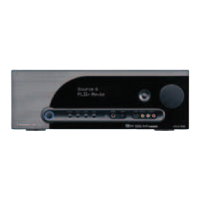
Vital 710
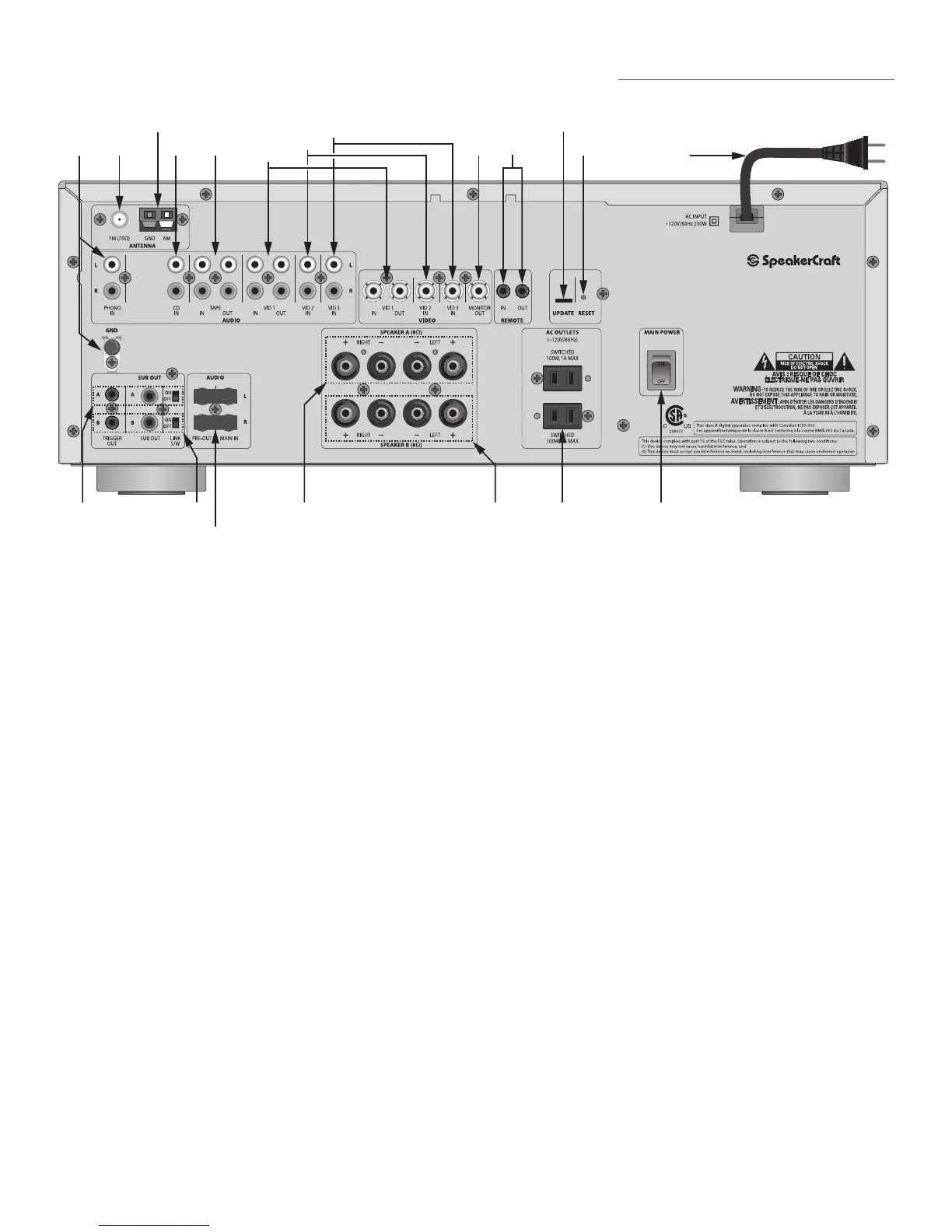
Vital 710 Rear Panel Features
(2 RCA Jacks) Connect to the left and right audio output from a turntable. Phono In is selected
by pressing the Phono button on either the Vital 710 Front Panel or Remote Control. When selected, the
Front Panel Display will indicate PHONO.
If connecting a turntable, connect the ground wire from the turntable to reduce audio hum.
(1 female ‘F’ type terminal) Connect to the included FM antenna.
(2 spring clips) Connect to the included AM Loop antenna.
(2 RCA Jacks) Connect to the left and right line level audio outputs of a CD Player or other device
such as a MP3 Player, Music Server, etc. CD IN is selected by pressing the CD button on either the Vital 710
Front Panel or Remote Control. When selected, the Front Panel Display will indicate CD.
(4 RCA Jacks) Connect to the left and right line level audio inputs and outputs of a tape deck
or other audio recording device for recording and playback of analog audio content. The Tape Out Jacks
will output line level audio from the currently selected source. Tape IN is selected by pressing the Tape Moni-
tor button on the Vital 710 Front Panel or the Tape M button on the Remote Control. The Front Panel Display
will indicate the currently selected source and TAPE M will ash slowly to indicate that Tape Monitor is active.
Connect to the left and right line level audio outputs of a tape deck or other analog audio record/
playback device. This input can also be used as an auxiliary line level audio input if all other inputs are
being used.
Connect to the left and right line level audio inputs on a tape deck or other analog audio record-
ing device.


 To Next Page