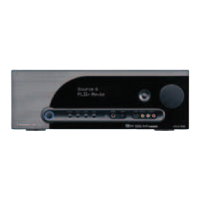
With any source selected, press this button to cut the amplier output to the selected speakers.
(There will be no sound coming from the speakers) MUTE will slowly ash on the Front Panel Display. Press the
Mute button again to un-mute the speakers.
If an external amplier is connected to the Pre-Out Jacks, MUTE will also mute/un-mute the line level
audio signal at the Pre-Out Jacks.
With the Vital 710 ON turn this knob to adjust the speaker level audio output. Turn clockwise (right)
to turn volume up; turn counterclockwise (left) to turn the volume down. The audio output level in dB (deci-
bels) will be displayed on the Front Panel Display while the knob is being turned and for ve seconds after a
volume adjustment is made.


 To Next Page