11
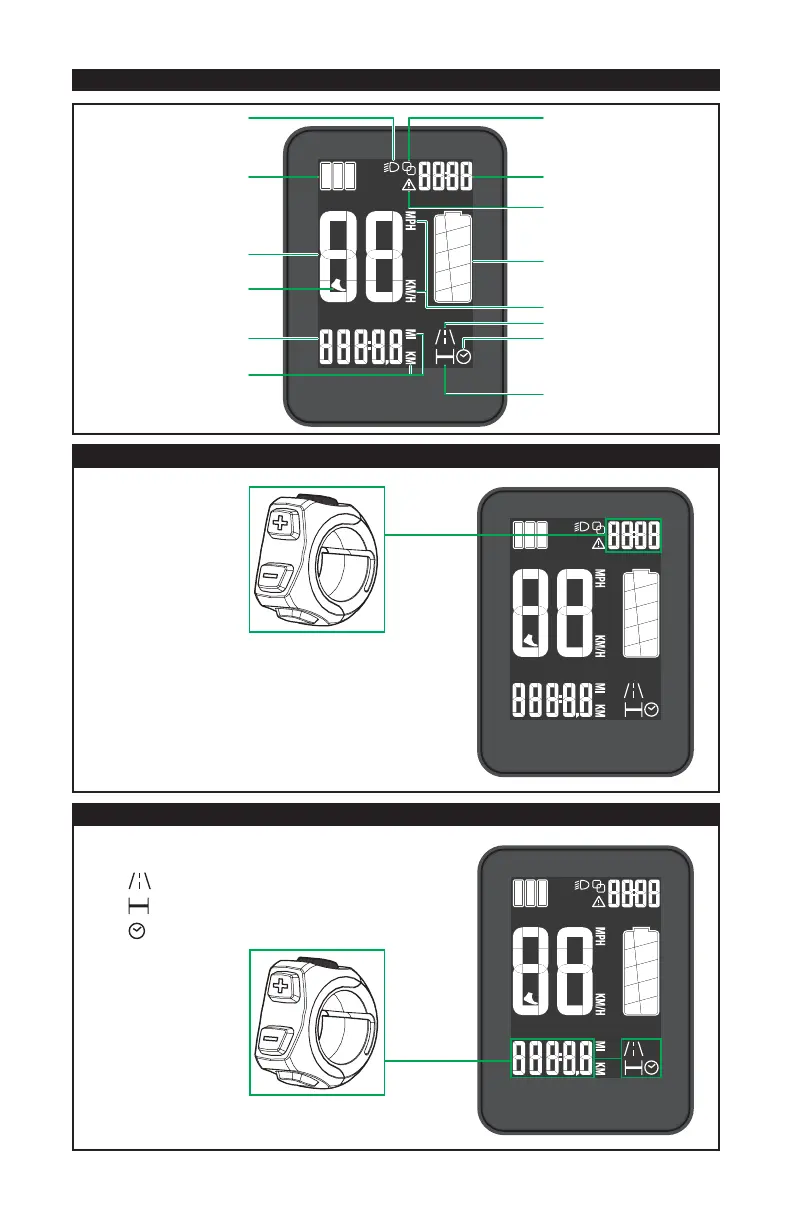
8.2. DISPLAY FUNCTIONS (LCD DISPLAY)
HEADLIGHT
SPEED
BATTERY
WARNING
TRIP DISTANCE
RIDE TIME
ODOMETER
METRIC / IMPERIAL
CLOCK (12/24hr)
BLUETOOTH
WALK-ASSIST
METRIC / IMPERIAL
- TRIP DISTANCE
- RIDE TIME
- ODOMETER
SUPPORT LEVEL
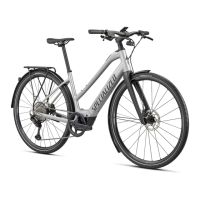
SETTING THE TIME / UNIT
To set the time, long-press the SET button once. When the
time is blinking, press the + and - buttons to adjust the time.
To set the unit (metric or imperial), long-press the SET
button twice, then toggle between the two units to choose
miles/12hr or kilometers/24hr.
To lock in the unit and time, press SET, wait or pedal the bike.
CHOOSING THE FUNCTION
To toggle between the different functions, press
and release the SET button.
• Trip distance
•
Odometer
•
Ride time
NOTE: The trip related functions automatically reset when the
system is shut off, but can be accessed through the app at any time.







 To Next Page