10
2. Initial Boot-up Process
2-1. Initial Boot up and Basic Time Setup
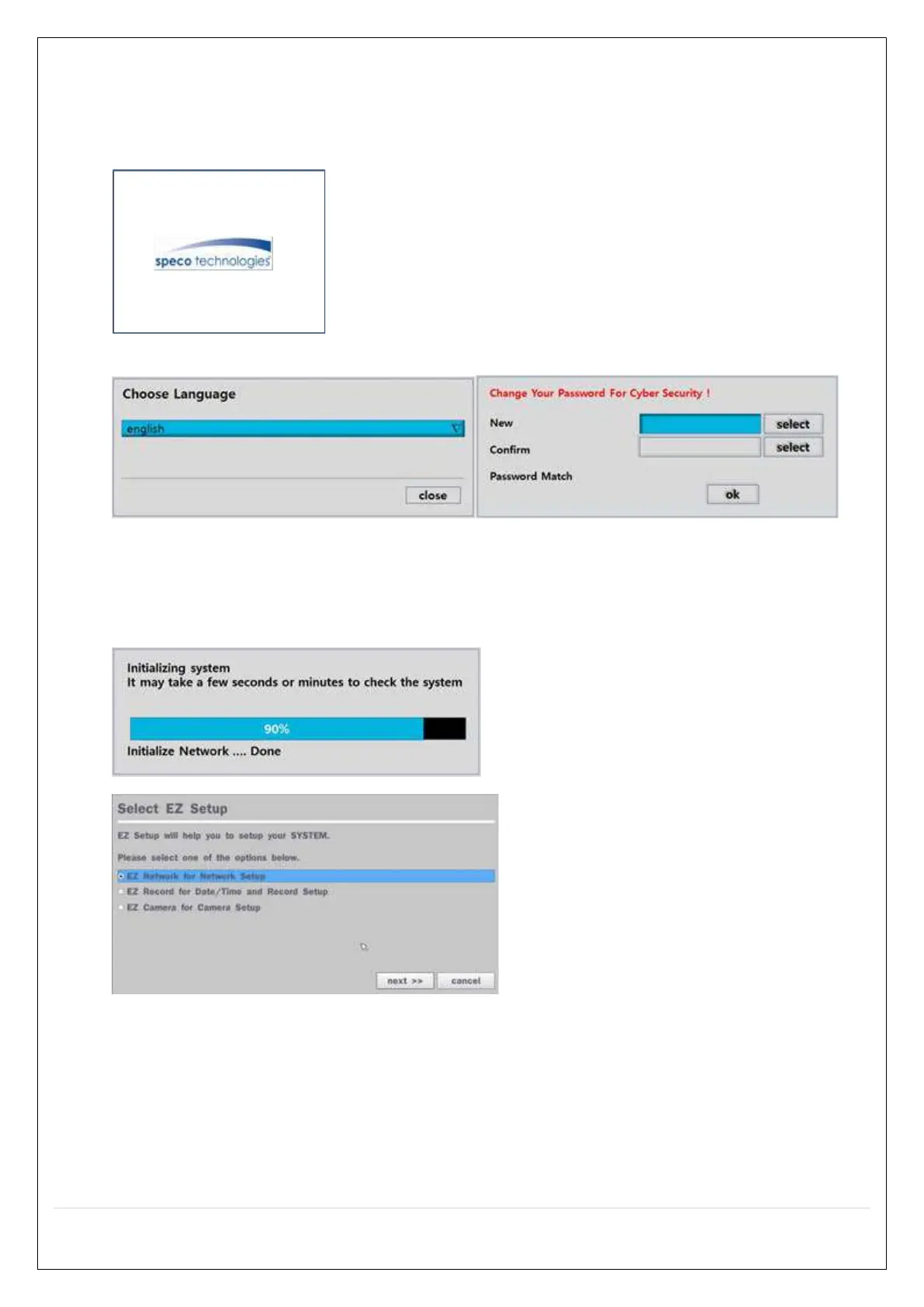
1. During the first boot up, the following logo will be displayed.
2. After the logo, select the language and set date and time as specified below.
1) User has to set a password before using.
Can not use ‘1111’ when the initial boot up password set.
But user can set ‘1111’ as a password through [Setup > User Management > Password Setup]
2) DVR will not proceed when user put the password ‘1111’.
(EZ Setup Page Reference / Page: 15 ~ 17)


 To Next Page