60
Figure 5.3.4. Second Thumbnail Screen
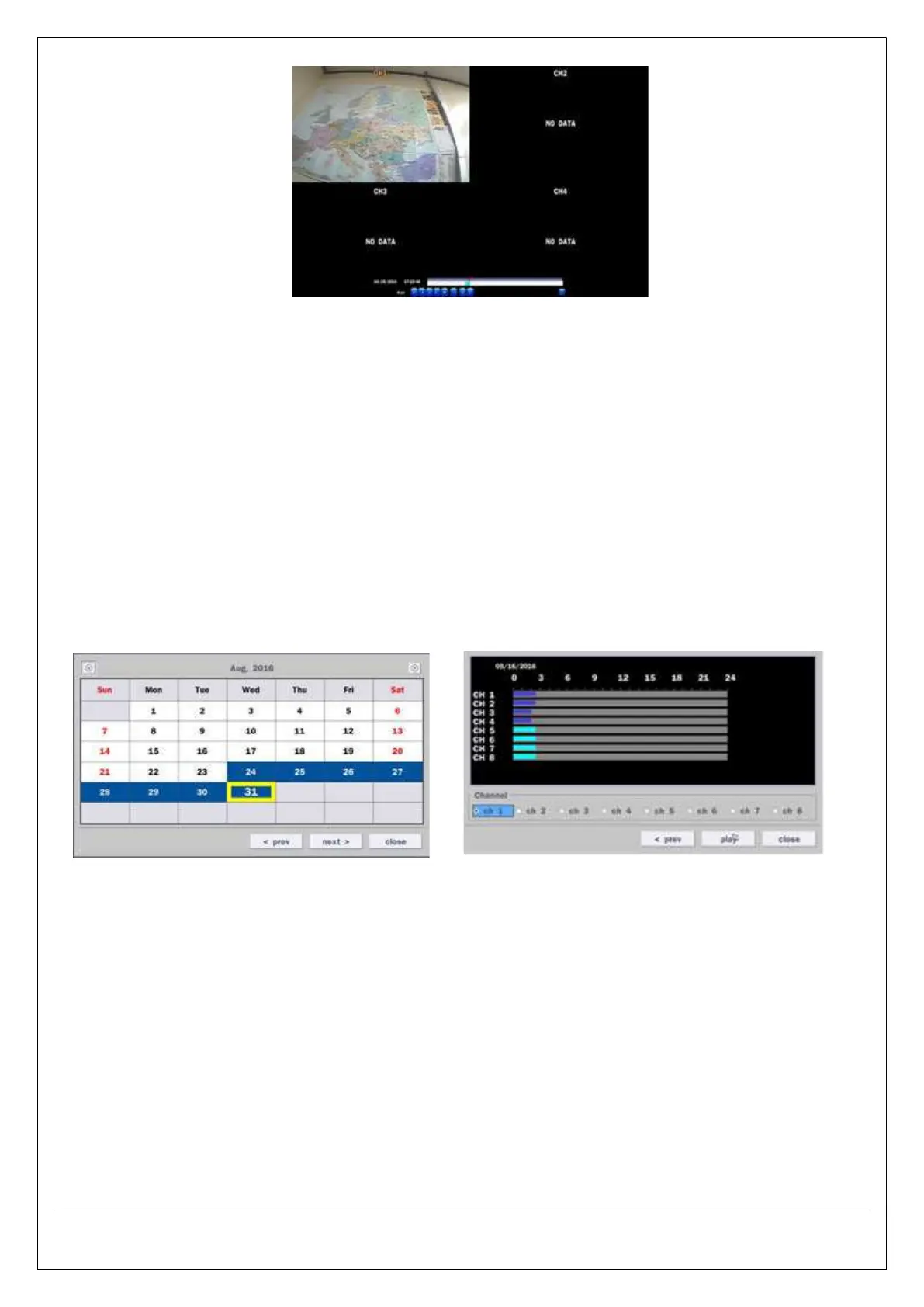
When the EZSearch menu is selected, a calendar is displayed that highlights dates with recorded data.
1. Select a specific date on the calendar.
2. Select a channel from Channel Selection Screen.
Then the Thumbnail Search screen displays 24 thumbnails, one for each hour of the day.
3. Second step shows every 2 minutes and 30 seconds screen.
4. Playback the selected image.
5-3-2. Smart Search
Smart Search is search the selected area quickly. User can search need to know area.
Figure 5.3.4. Calendar Screen Figure 5.3.5. Channel Selection Screen



 To Next Page