54
4-9-1. Firmware Upgrade
1. Create a new folder named “upgrade” in the USB flash drive root directory.
2. Create sub-folder for each model under “upgrade” folder and copy each firmware.
For D16HUModels:
- Folder name – “d16hu
- File name – “main_D16HUspeco_*.*.*_201****”.bin
For D8HU Models:
- Folder name – “d8hu
- File name – “main_D8HUspeco_*.*.*_201****”.bin
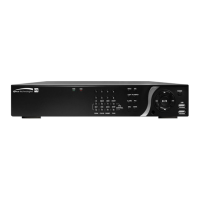
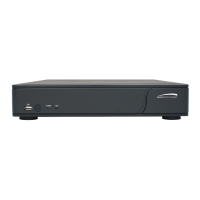
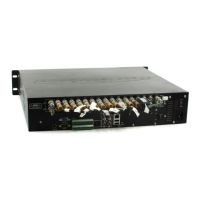
3. Plug in the USB flash drive on the rear panel.
4. Navigate to CONFIG menu of SETUP.
5. Select SOFTWARE UPGRADE.
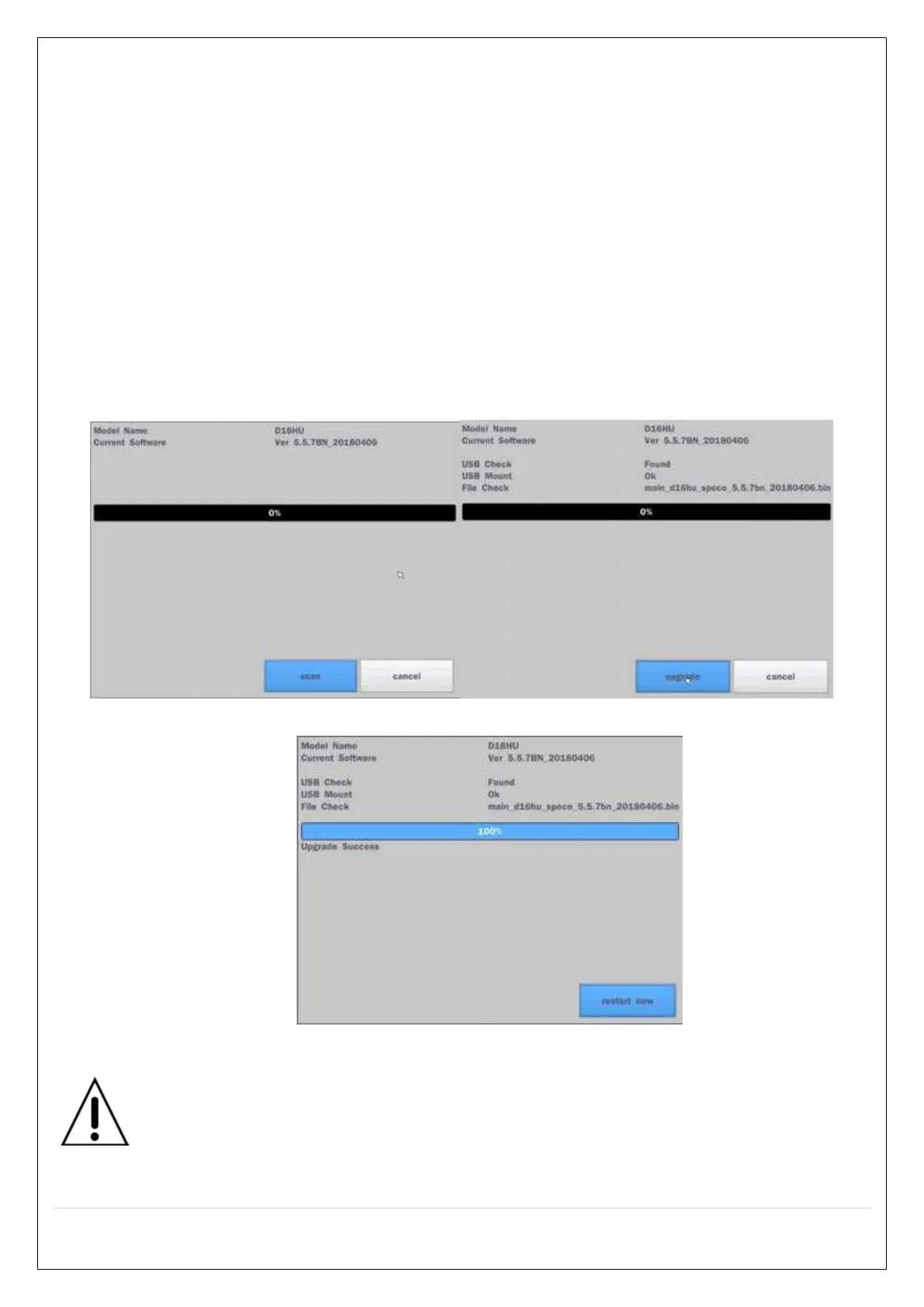
6. Follow the procedure from Figure 4.9.2 to Figure 4.9.4.
Figure 4.9.2 Figure 4.9.3
Figure 4.9.4
NOTICE
If selecting REBOOT NOW when the USB flash drive is plugged, the WARNING message will
pop up. Remove the USB flash drive and select OK.


 To Next Page