32
HEALTH CHECK – OFF, ON
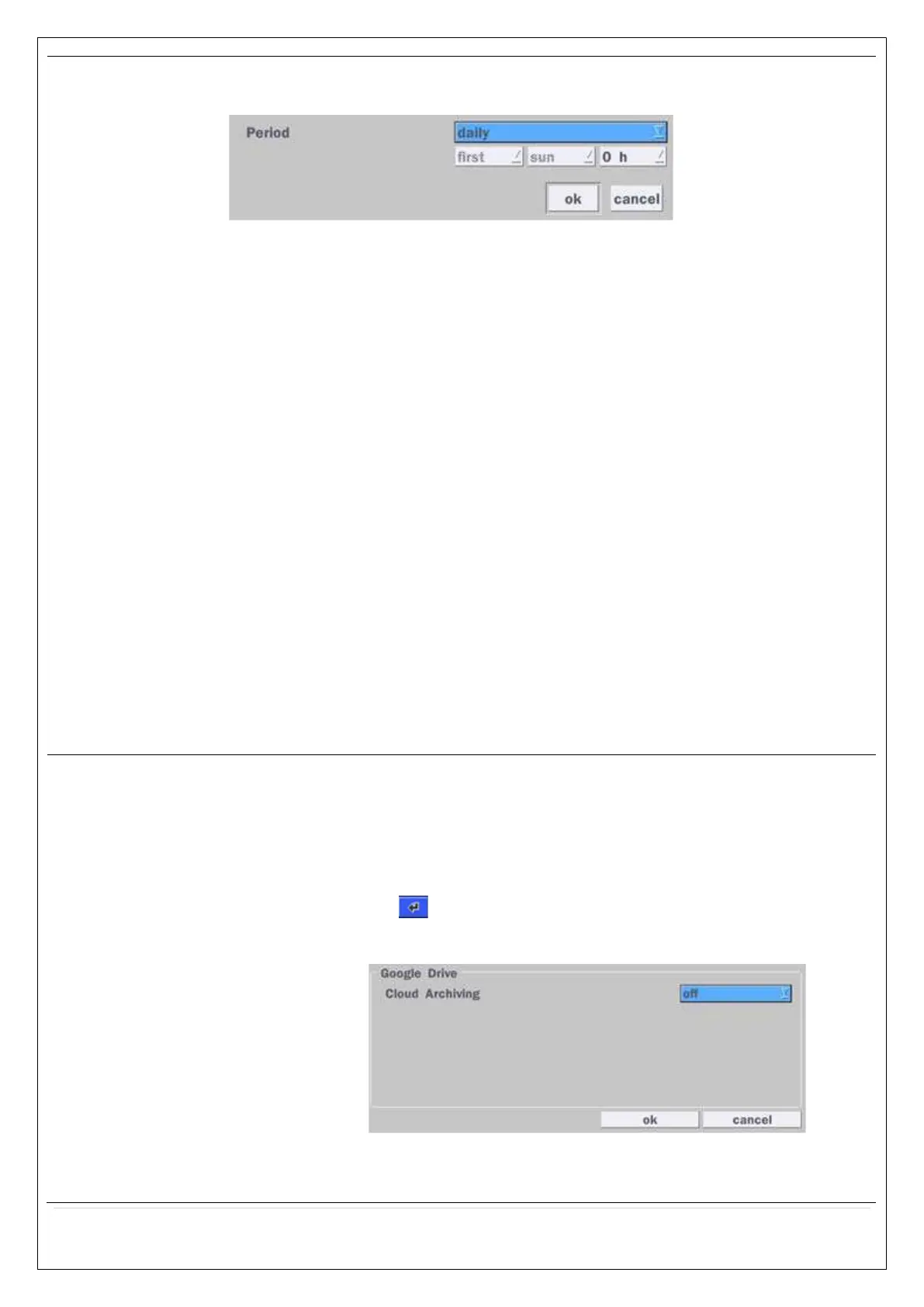
(Allows the user to set MAIL STATUS periodically) : DAILY or WEELY or MONTHLY
VIDEO CLIP SETUP: Setup the duration of video clip for PRE RECORD and
POST RECORD.
EVENT AND NOTIFICATION – OFF, ON
(Allows the user to set EVENT NOFICIATION ON or OFF)
HEALTH CHECK / RESTART / SHUTDOWN / PANIC RECORD
- Enable Email Notification in the event a problem occurs with the VS.
ALARM-IN – Enable Email Notification when the camera detects sensor.
MOTION DETECTION – Enable Email Notification when the camera detects
motion.
VIDEO LOSS – Enable Email, Beep and Alarm output Notification when the
camera signal is lost.
HDD TEMPERATURE – Enable Email, Beep and Alarm output Notification
when the HDD temperature.
HDD BAD SECTORS – Enable Email Notification when the HDD has bad
Sectors.
HDD ALMOST FULL – Enable Email Notification when the HDD is almost full
HDD FULL – Enable Email Notification when the HDD is full
HDD FAILURE – Enable Email, Beep and Alarm output Notification when the
HDD fails.
How to use ‘Cloud’
- Notice : User have to have a ‘Google Drive’ Account
- Save video clip on the Google Drive and playback though Mobile
device.
1) How to set (Setup – System – System Event Notification – Cloud)
1-1) Click icon
1-2) Enter Google Drive Account
1-3) Video clip will be save at Google Drive when ‘Alarm-In’ and ‘Motion’
triggered.



 To Next Page