52
Table 4.8. Menu Items in STORAGE Setup Screen
Item Description
OVERWRITE
When enabled, the DVR will continue recording and overwrite the oldest existing
recorded data once the hard drive is full. When disabled, recording will stop once
the hard drive is full.
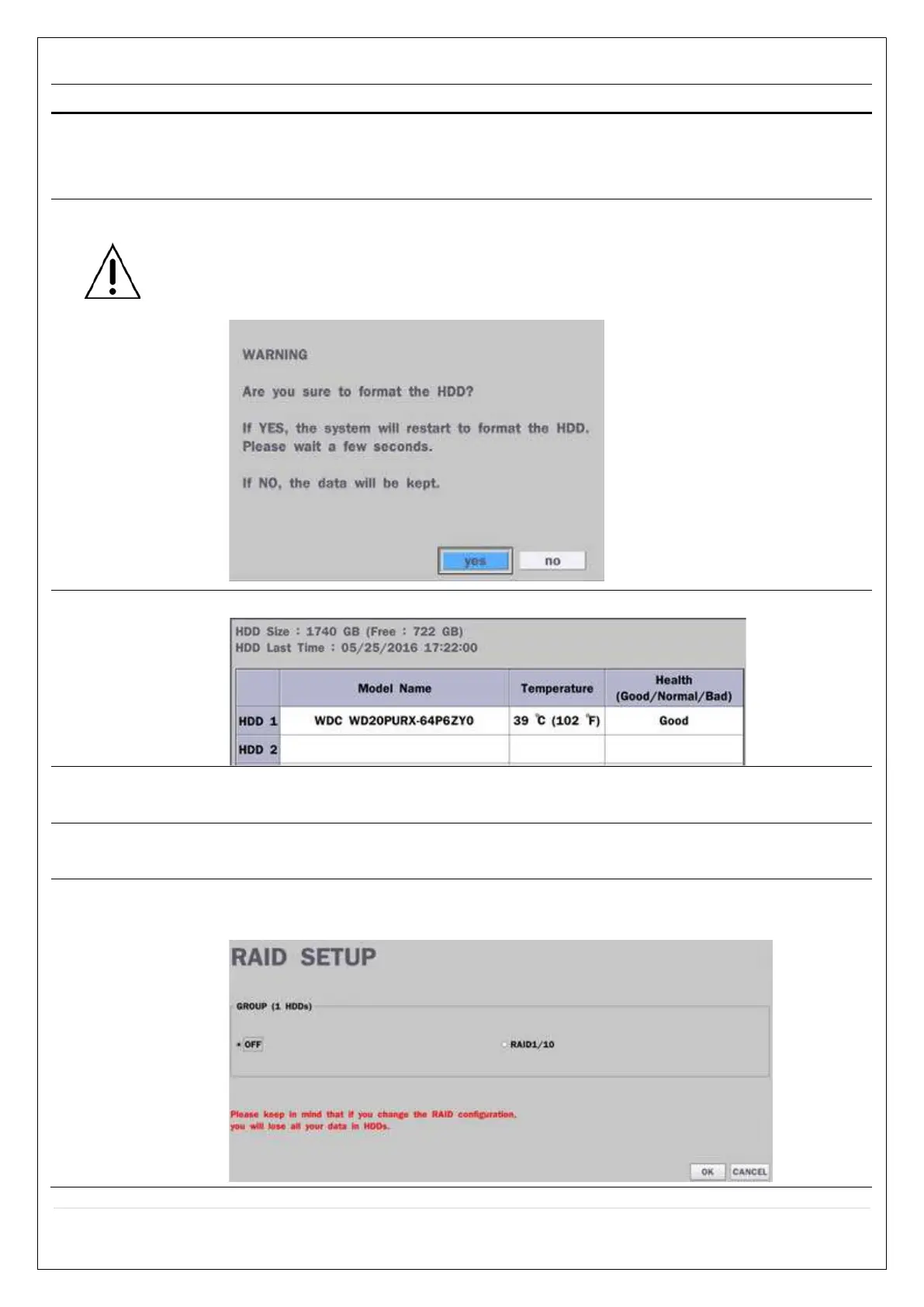
DISK FORMAT
You will have an option of YES or NO for formatting the Hard Drive.
After formatting HDD, the DVR will reboot.
Caution: It is recommended to archive any data that you may need in the
future before formatting the hard drive.
DISK INFO
Hard drive information. Displays the following information;
RECORDING
LIMIT
Enable/disable recording limit.
RECORDING
LIMIT DAYS
Set the recording limit days. (1- 90 days). If the RECORDING LIMIT DAYS are set
to 1, the data will be overwritten after 24 hours.
RAID SETUP
Select RAID Off or RAID1/10
If the RAID configuration is changed, the data on HDD will be lost.



 To Next Page