UMS Multi SW User Guide
13
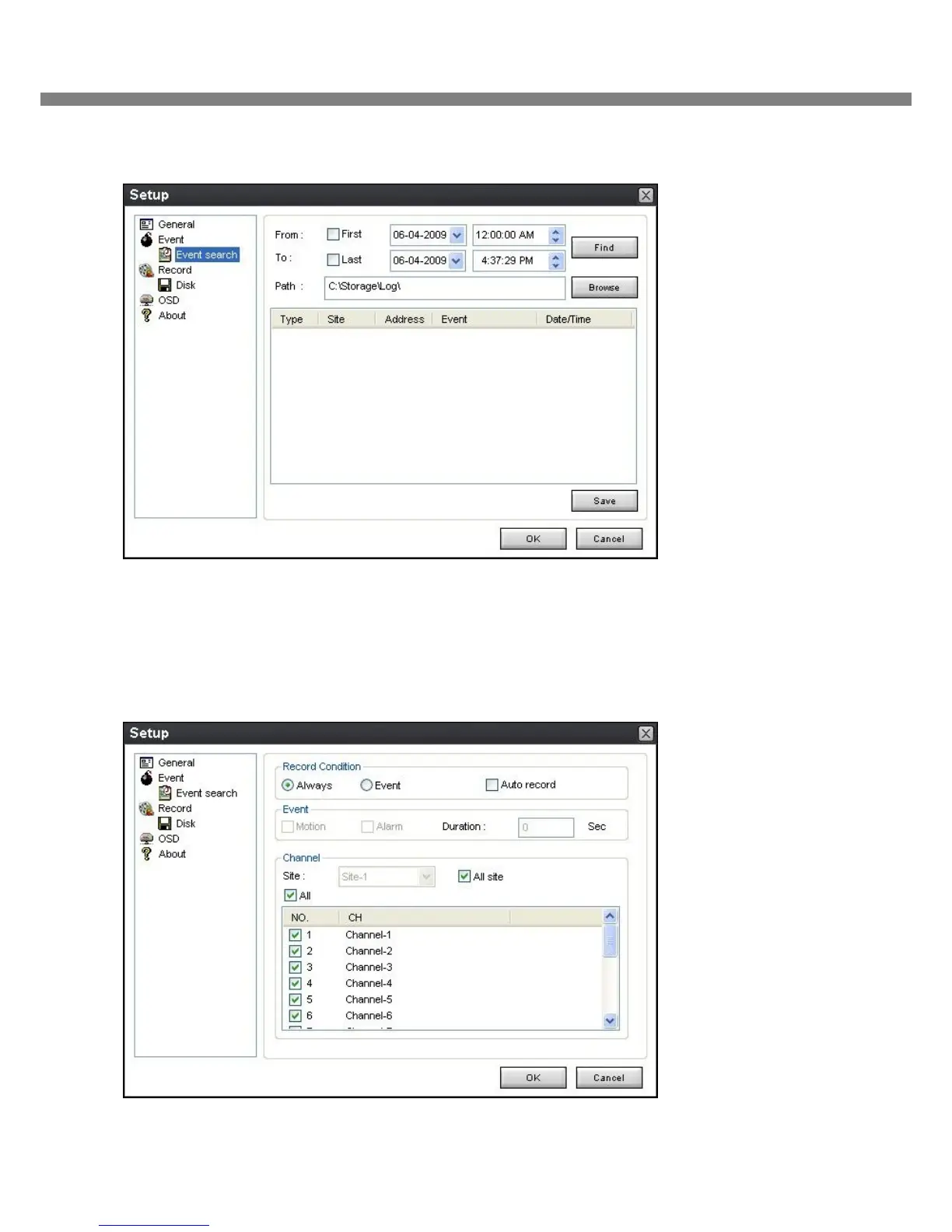
6-2-2. Archiving Event Log: Event log can be searched from selected time.
6-3. Record
6-3-1. Record setup: You can set the recording conditions for Always, Event, or Auto record. And you can
also select target DVR/DVRs and channel/channels.
When you set the recording condition to event, you can set event for motion or alarm with duration.



 To Next Page