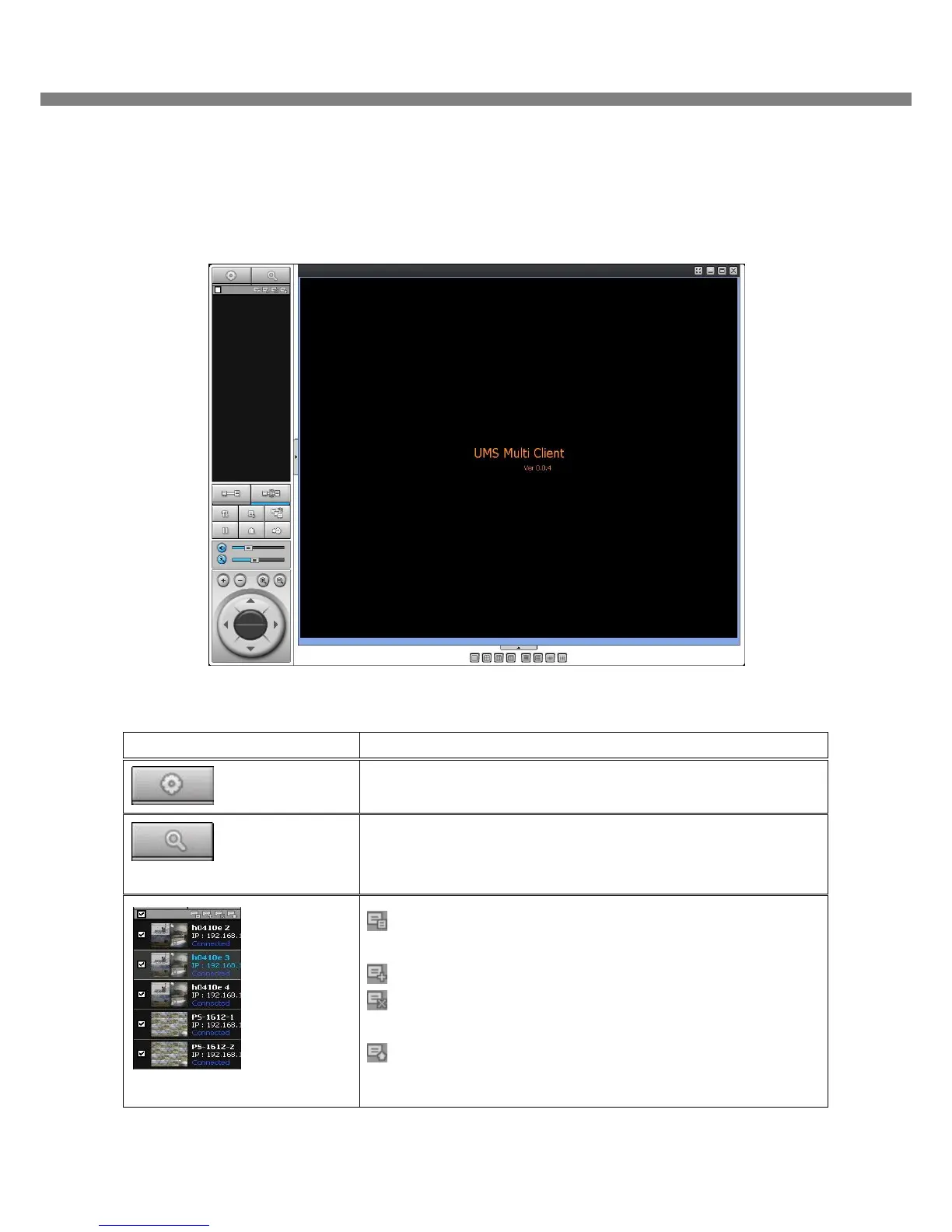
Click this icon to run a playback window to search and play videos
that are recorded in local PC.
REMOTE PLAYBACK
Click this icon to run a playback window to search and play videos
that are recorded in remote DVR.
SITE MANAGEMENT
THUMBNAIL REFRESH: Click this icon to refresh and renew
thumbnail image of every connected site.
SITE ADDITION: Click this icon to open ‘Site Addition’ window.
SITE DELETE: Click this icon to delete site from the index
window, after disconnect a site.
SITE MODIFY: Select the site from the index window and click
this icon to open ‘Site Modify’ window.



 To Next Page