CMS User Guide
30
APPENDIX 2: How to use REMOTE CONFIGURATION
This function helps user to set up DVR at remote site through the internet.
1. Make it sure DVR is connected. If DVR is not connected to UMC Multi Client, this function is disabled.
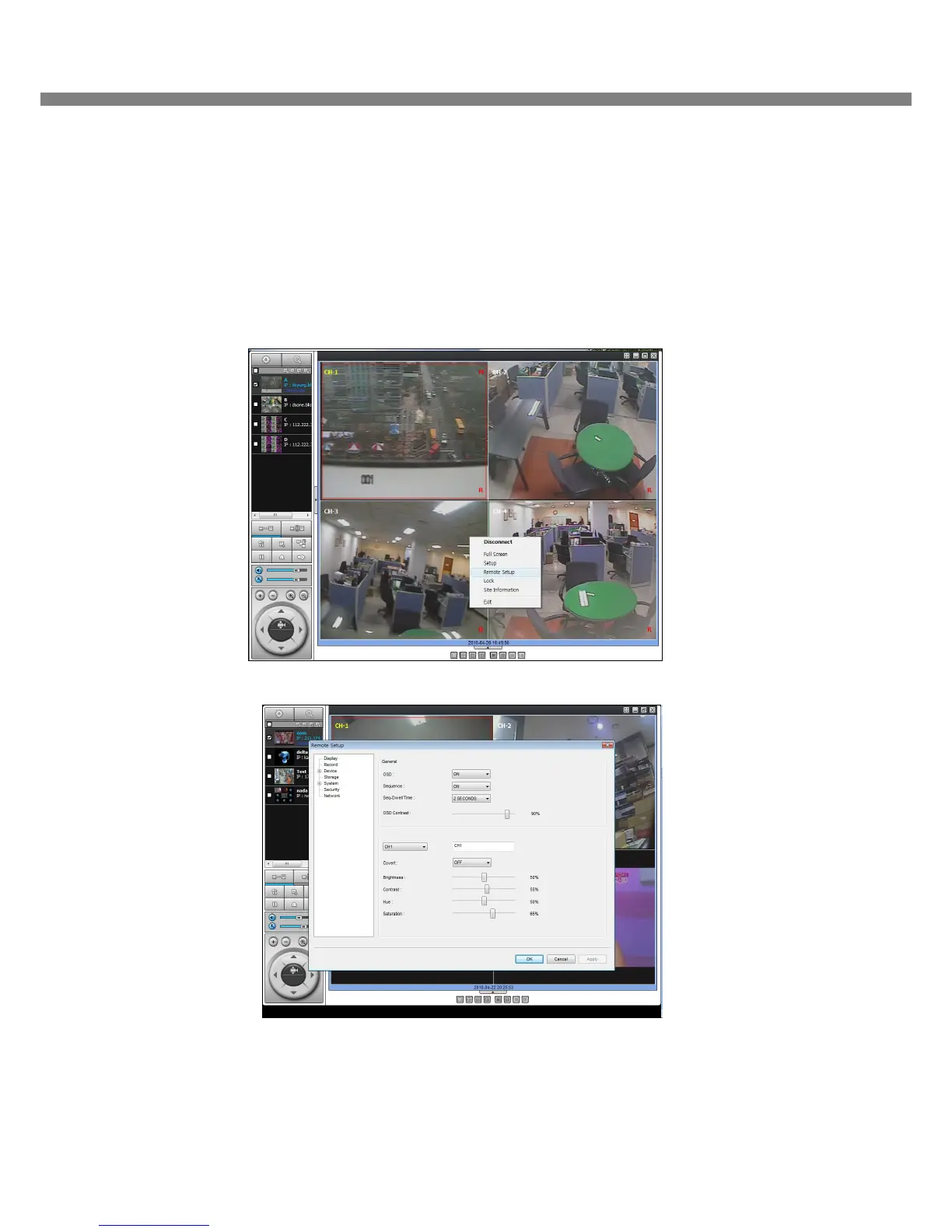
2. Click the right button on the mouse, then it will be displayed as following figure.
3. Click “Remote Setup”, then the window for Remote Setup will be pop up. (Takes few seconds)
4. Setup the each parameter following Product Manual of Digital Video Recorder. Then, click OK.
NOTE: Some SET UP parameters are not available on REMOTE CONFIGURATION.



 To Previous Page