UMS Multi SW User Guide
3
UMS Multi Client (Multi Sites Monitoring Software)
1. Overview
The UMS Multi-Client is a multiple site monitoring client software with; video, audio, and alarm signals from
the DVRs over networks. The UMS Multi-Client does not limit the number of DVR units to register.
The program displays to up 256 live videos on one display and even playback videos window on the same or
another display monitor.
On the program, user may control PTZF cameras on the DVRs. By attaching a microphone and speaker
system to devices on site, user may make bi-directional audio communication over the network.
2. Minimum PC requirements
Before installing the program, check the PC specifications. The DVR remote software may not perform
correctly if the PC does not meet the minimum requirements.
3. Installing the program
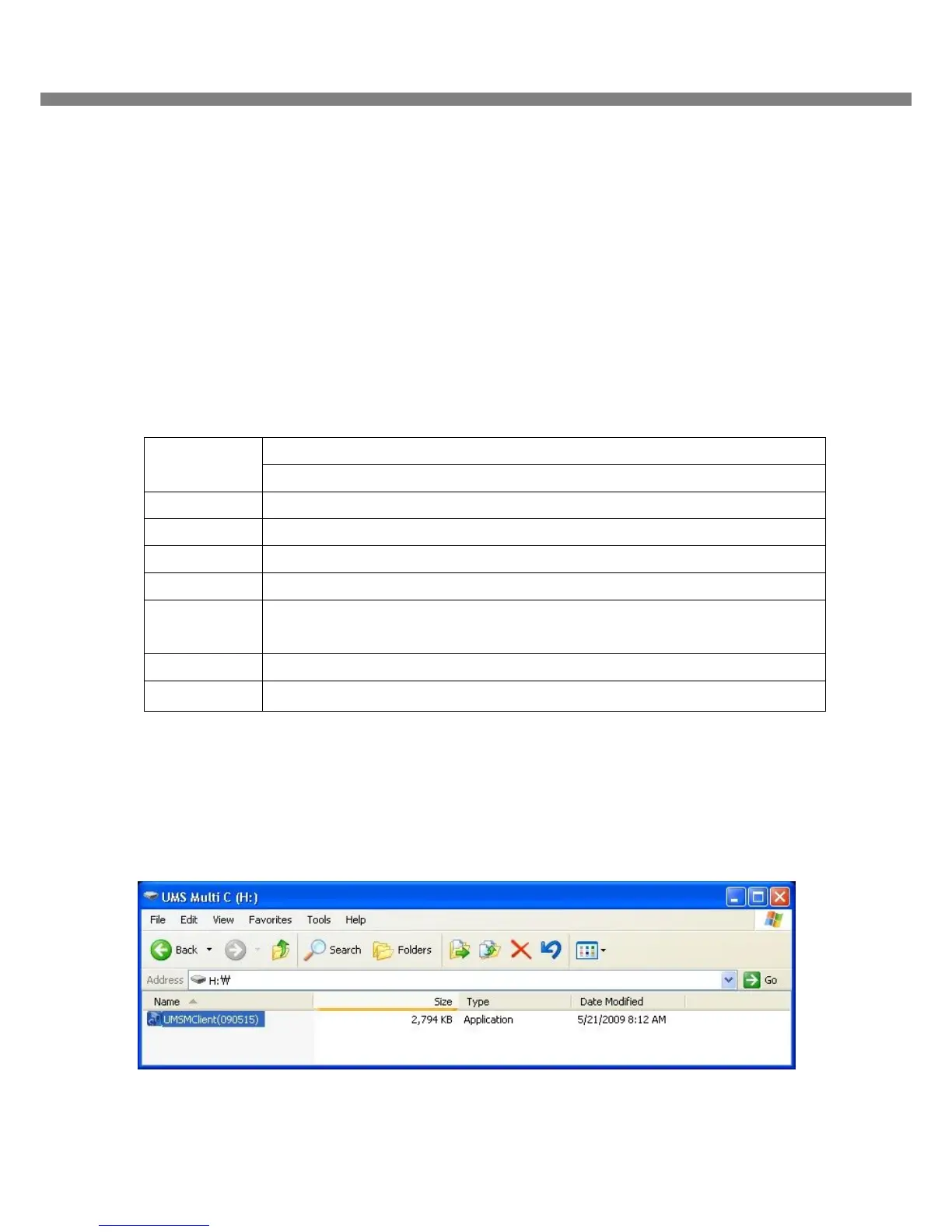
1. Insert the provided CD in the CD drive and double-click “UMSMultiClient (XXXX).exe”
CPU Intel Pentium Ⅳ
2Ghz
Memory 512MB or Higher is recommended.
VGA 64MB or Higher is recommended.
Resolution 1024x768
Disk space 10MB
OS Windows 2000, XP Professional, XP Home, Vista (Some versions of Vista has
problem in installation. Please contact your vendor for more information.)
Network 10/100Base T
Others Direct X 8.1 or Higher



 To Next Page