CMS User Guide
26
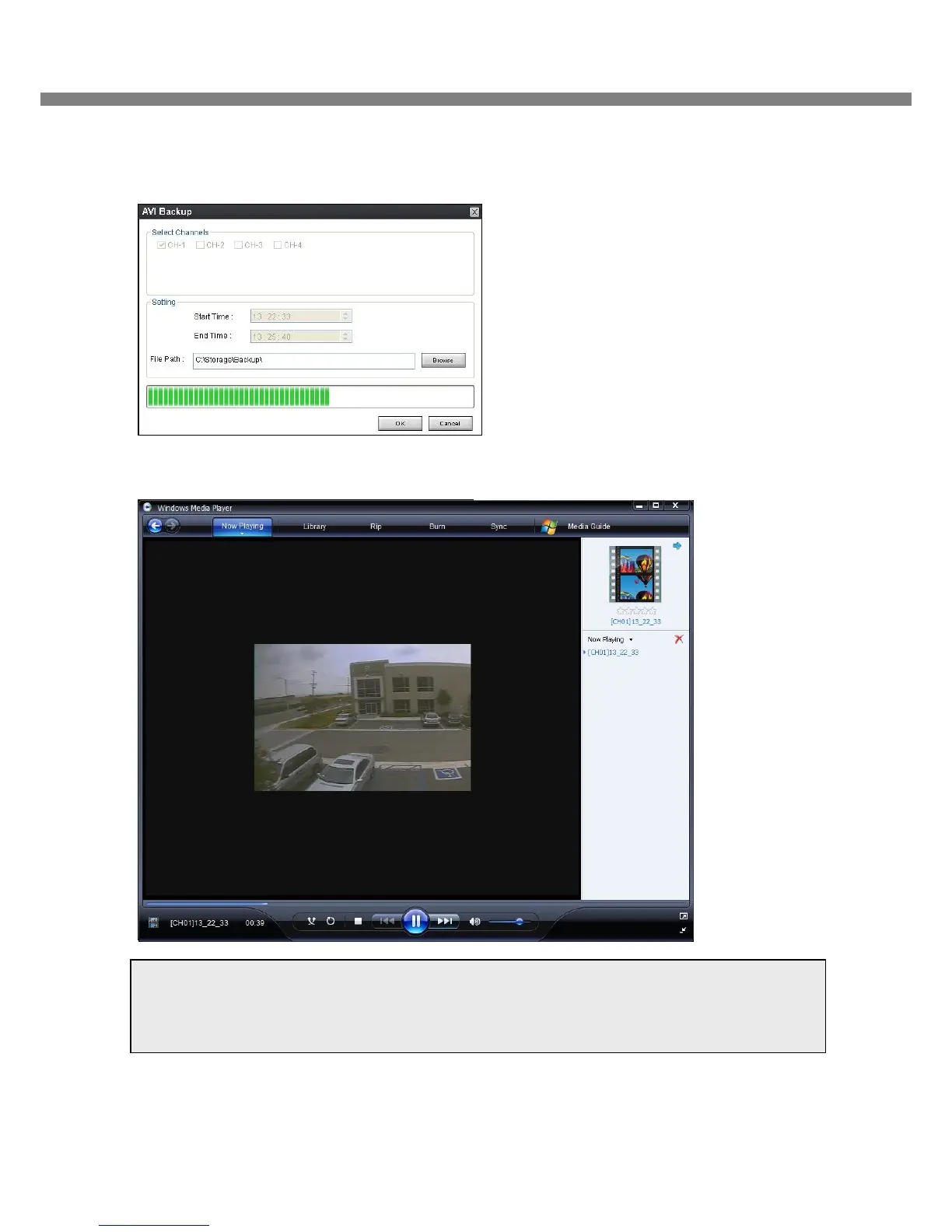
6. You can also set the beginning time and ending time on this window. After selecting a channel for backup,
click the OK button. The backup will begin.
5. AVI video data is recorded as set in AVI Backup window. AVI format video can be played back by Window
Media Player™ or other media player that is compatible with AVI format video.
Notice
When PC doesn’t have proper H.264 CODEC, the media players can not playback the AVI format video.
Then install CODEC that is provided on the CD.



 To Next Page