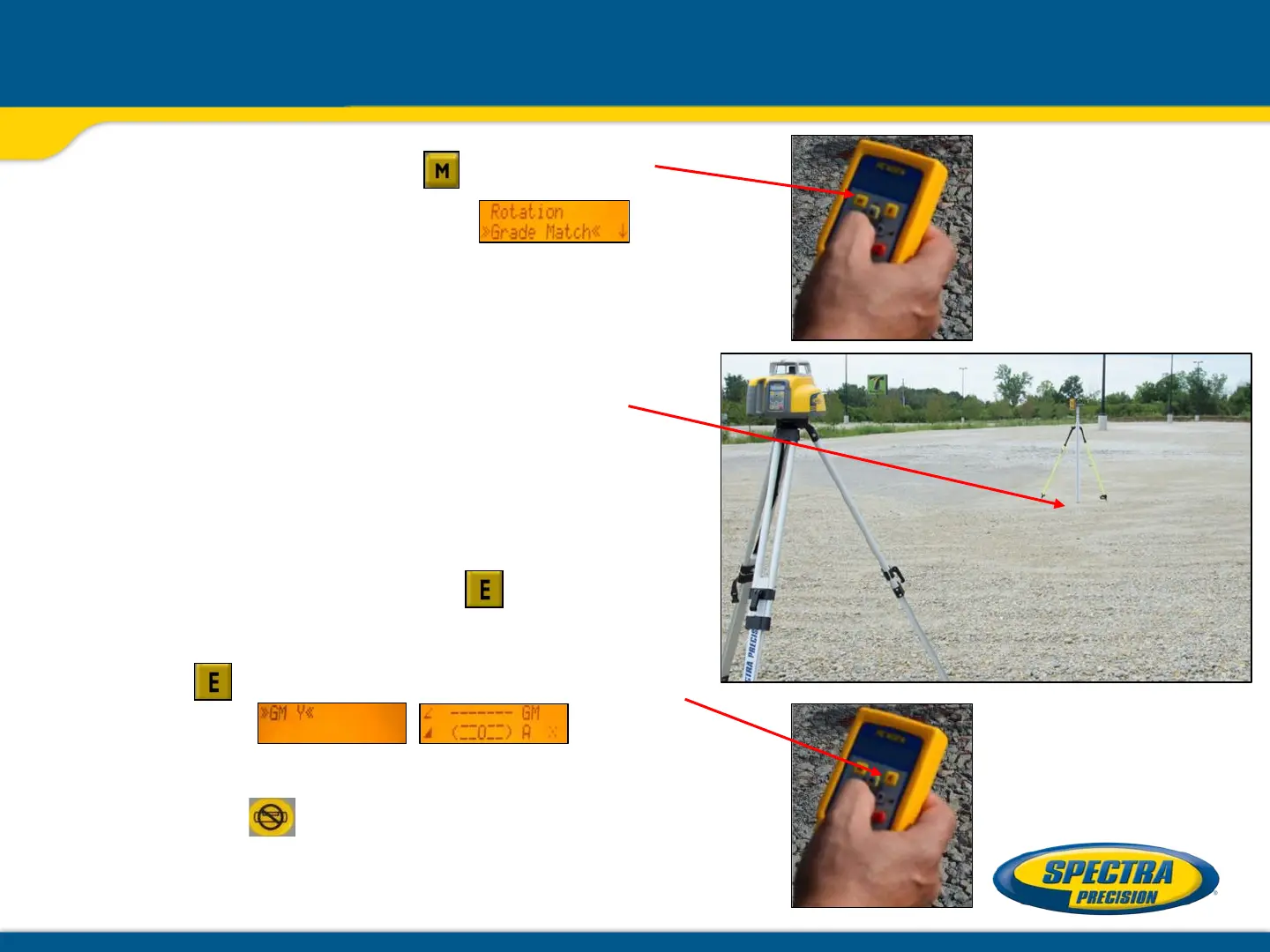
3. Press and release the button and
select >>Grade Match<<.
4. Set the grade rod with the receiver
attached to it on the second desired
slope/elevation hub.
NOTE: DO NOT change the receiver
position at the rod
5. Press and release button to open
the Grade Match submenu; then press
button to start Grade Match (GM Y).
Exiting of Grade Match can be done anytime by
pressing the button where the unit goes
always back to automatic mode.
Automatic Grade Match using the RC402N



 To Next Page