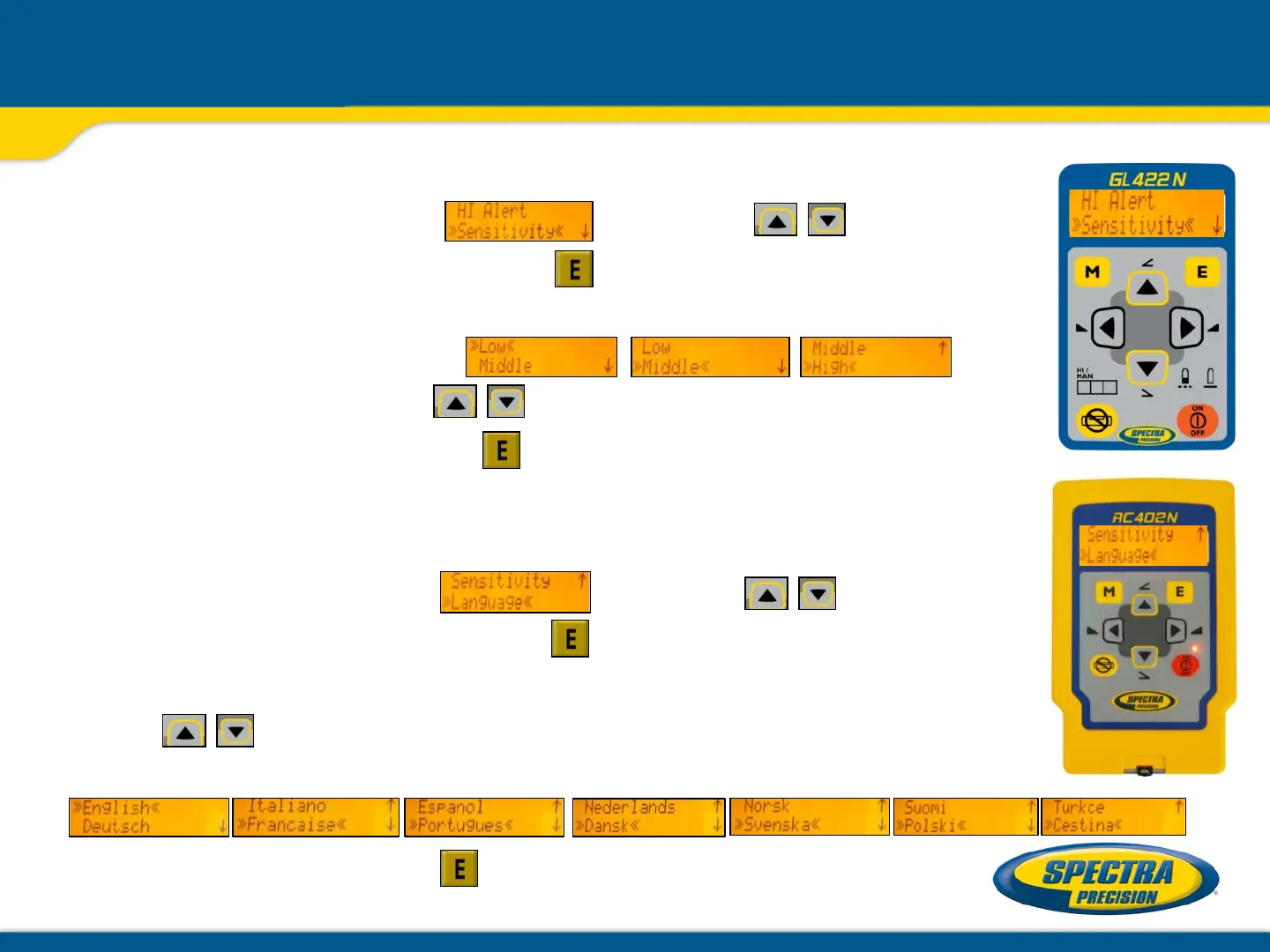
Settings: Sensitivity / Language selection
Sensitivity Selection
Select >> Sensitivity<< using the buttons;
then press and release button to open the Sensitivity menu.
The desired Sensitivity: Low, Middle (Default) and High) can
be selected using the buttons.
Press and release button to confirm the selected Sensitivity.
Language selection
Select >> Language<< using the buttons;
then press and release button to open the Language menu.
The required local Language can be selected using
the buttons.
(EN, DE, IT, FR, ES, PT, NL, DA, NO, SV, FI, PL, TR, CZ)
Press and release button to confirm the selected Language.



 To Next Page