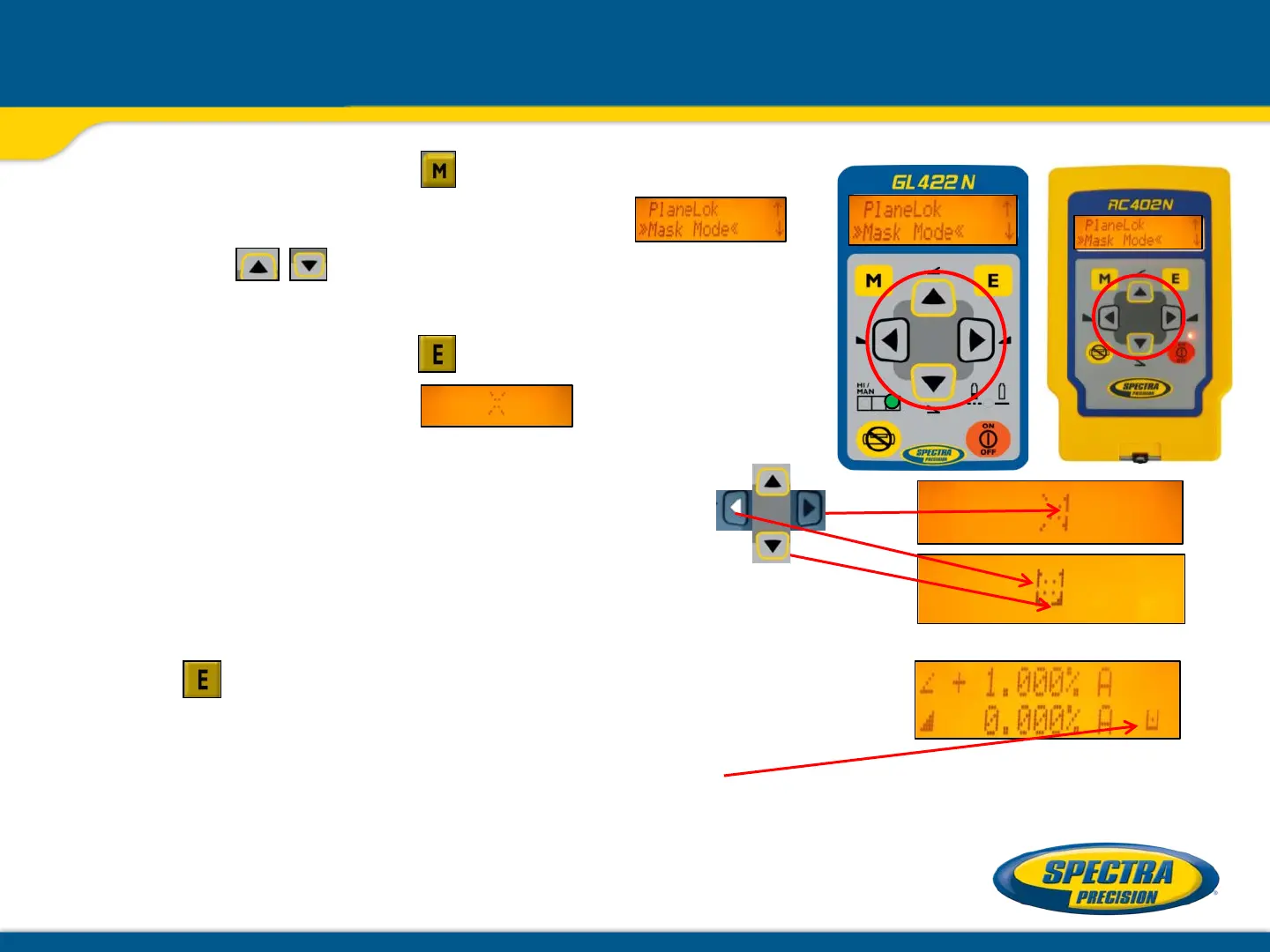
Mask Mode using the menu
Press and release the button at the Standard
Display and select >>Mask Mode<<
using the buttons.
Press and release the button, the
mask symbol occurs.
For selecting the side, press and release
one of the arrow buttons.
When all areas have been set, press
button to store the mask sector selection.
The displays indicate which side of the laser
the beam has been turned off electronically.
Note: The unit always powers up with the mask mode
deactivated (default).



 To Next Page