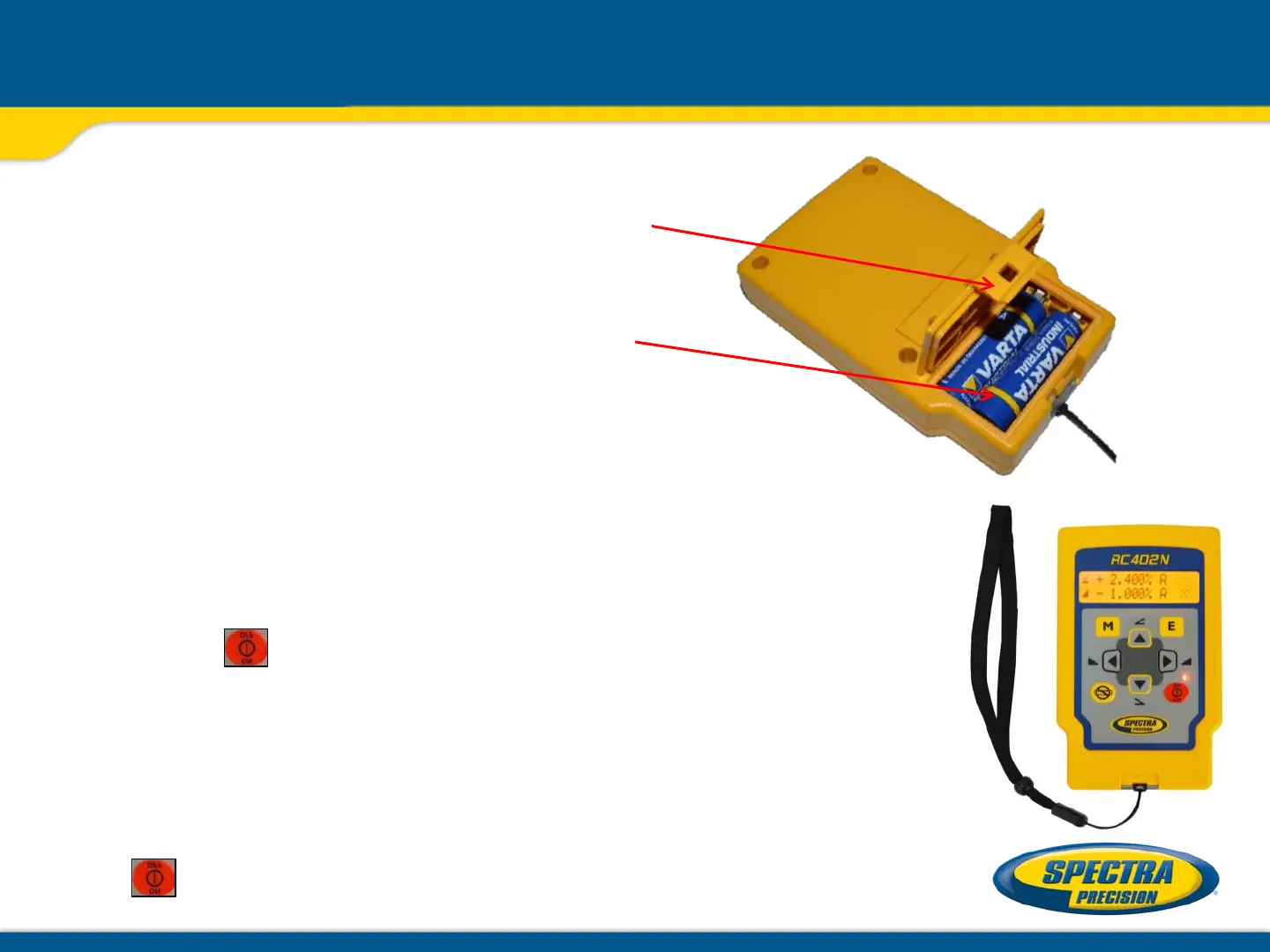
RC402N Radio Remote Control
Powering the RC402N
1. Open the battery door using a coin
or similar pry device to release the
battery door tab on the RC402N.
2. Insert two AA batteries noting the
plus (+) and minus (-) diagrams
inside the battery housing.
3. Close the battery door. Push down
until it “clicks” into the locked
position.
Turning On/Off the Radio Remote Control
Press the button to turn on the radio remote control.
The remote control mirrors the functionality of the
GL412N/GL422N keypad.
To turn off the radio remote control, press and hold
the button for 2 seconds.



 To Next Page