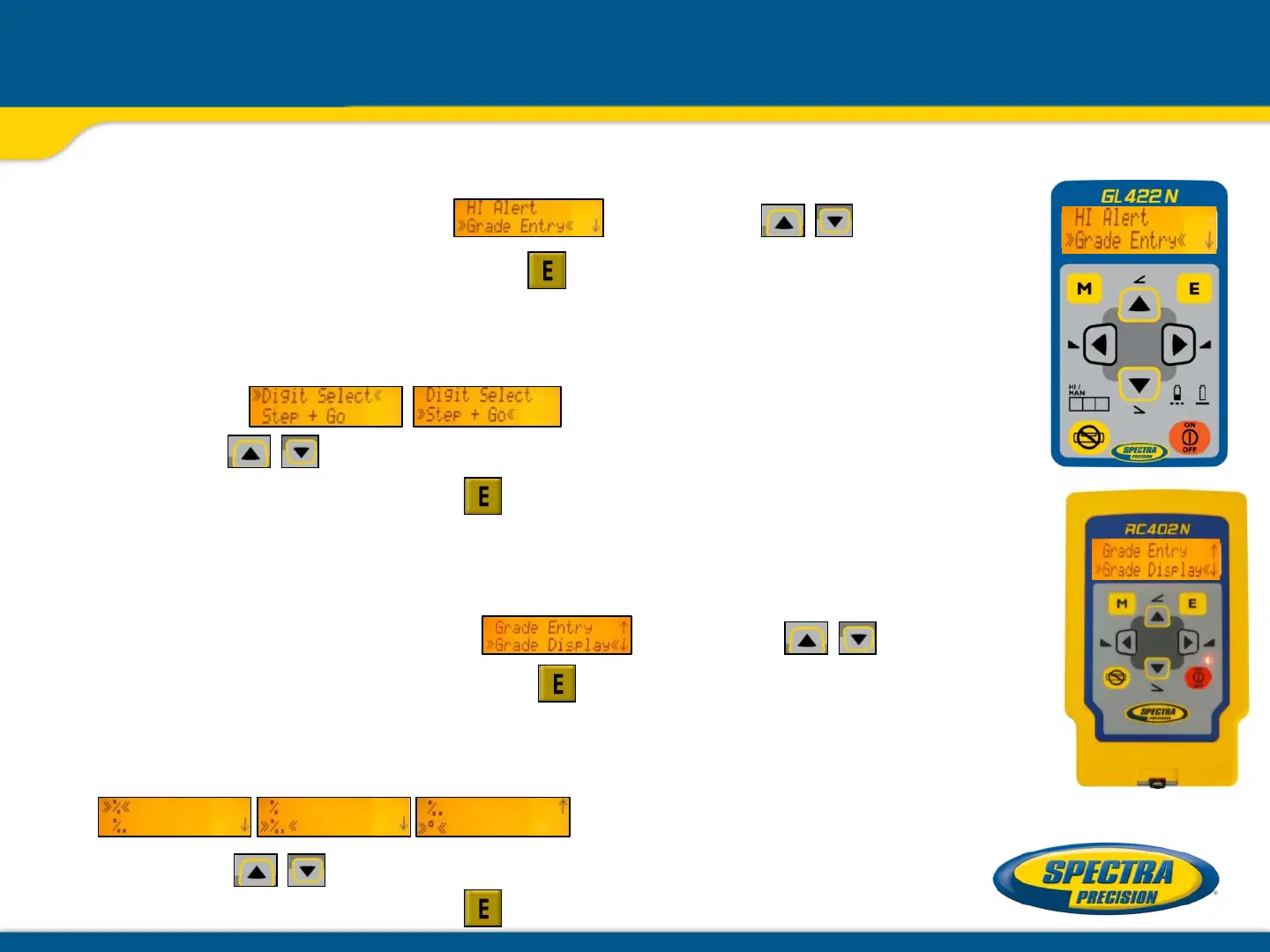
Settings: Grade Entry / Grade Display selection
Grade Entry selection
Select >> Grade Entry<< using the buttons;
then press and release button to open the Grade Entry menu.
The desired Grade Entry method:
Digit Select (Default) and Step + Go can be selected
using the buttons.
Press and release button to confirm he selected method.
Grade Display selection
Select >> Grade Display<< using the buttons;
then press and release button to open the Grade Display menu.
The desired Grade Display mode:
(Percent / Permille / Degree) can be selected
using the buttons.
Press and release button to confirm the selected method.



 To Next Page