INSTALLATIONS
MB720 User’s Manual 15
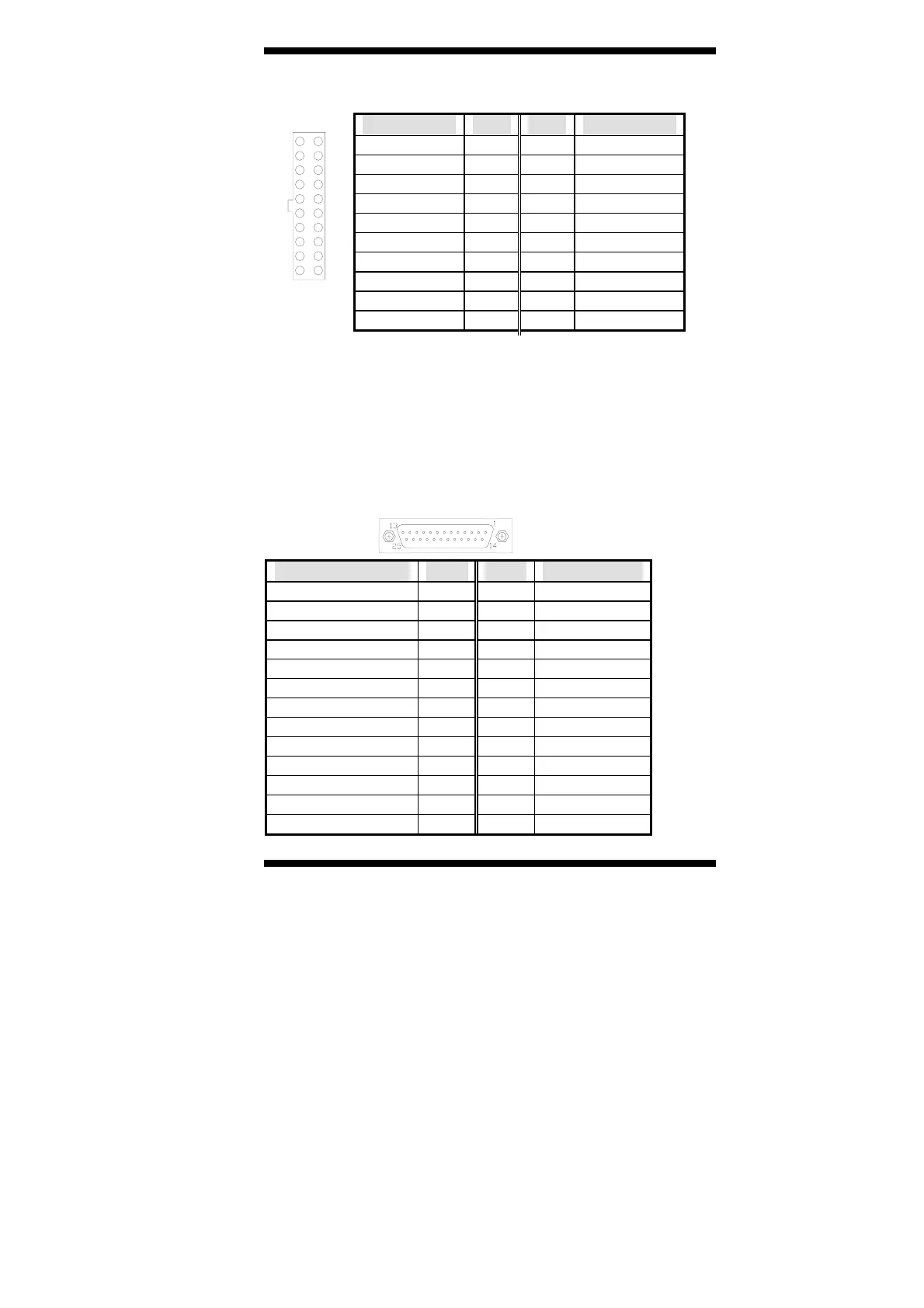
CN1: ATX Power Supply Connector
Signal Name Pin # Pin # Signal Name
3.3V 11 1 3.3V
-12V 12 2 3.3V
Ground 13 3 Ground
PS-ON 14 4 +5V
Ground 15 5 Ground
Ground 16 6 +5V
Ground 17 7 Ground
-5V 18 8 Power good
+5V 19 9 5VSB
+5V 20 10 +12V
11 1
20 10
CN2, CN3: Serial ATA (SATA) Connectors
The SATA connectors support serial ATA 150. Each connector can only
use one serial ATA hard disk. CN2 is port 1 and CN3 is port 2. These
connectors are located beside the PCI slot.
CN4: Mini PCI Connector
CN5: Parallel Port Connector
Signal Name Pin # Pin # Signal Name
Line printer strobe 1 14 AutoFeed
PD0, parallel data 0 2 15 Error
PD1, parallel data 1 3 16 Initialize
PD2, parallel data 2 4 17 Select
PD3, parallel data 3 5 18 Ground
PD4, parallel data 4 6 19 Ground
PD5, parallel data 5 7 20 Ground
PD6, parallel data 6 8 21 Ground
PD7, parallel data 7 9 22 Ground
ACK, acknowledge 10 23 Ground
Busy 11 24 Ground
Paper empty 12 25 Ground
Select 13 N/A N/A



 To Next Page