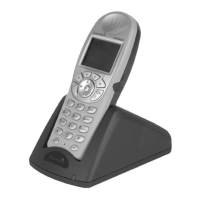
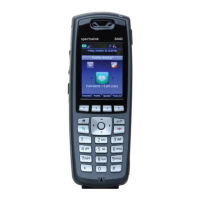
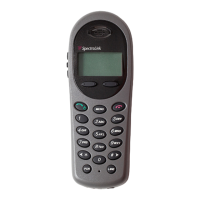
Spectralink 6020 Wireless Telephone User Guide
1725-86729-000_F.docx
May 2016 7
Product Support
Spectralink wants you to have a successful installation. If you have questions please contact the
Customer Support Hotline at 1-800-775-5330.
The hotline is open Monday through Friday, 6 a.m. to 6 p.m. Mountain time.
For Technical Support: mailto:technicalsupport@spectralink.com
For Knowledge Base:
http://support.spectralink.com/SpectralinkService/support/us/support/voice/wi-
fi/spectralink_8400_wireless.html
For Return Material Authorization: mailto:nalarma@spectralink.com
Spectralink References
All Spectralink documents are available at http://support.spectralink.com.
To go to a specific product page:
Use the top Documents and Downloads pane and select Voice as the Product Type and then
select the product name from the drop down list and click Go.
To view all Voice Support page selections:
Use the second Documents and Downloads pane and click Voice.
Conventions Used In This Document
Icons
Icons indicate extra information about nearby text.
Warning
The Warning icon highlights an action you must perform (or avoid) to avoid
exposing yourself or others to hazardous conditions.
Caution
The Caution icon highlights information you need to know to avoid a hazard that
could potentially impact device performance, application functionality, successful
feature configuration and/or affect handset or network performance.


 To Next Page