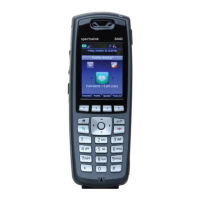
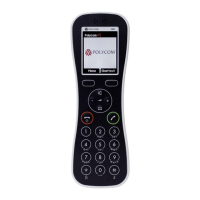
Press FCN + 4; you hear special dial
tone
Enter number to which calls will be
forwarded (include 8 if
forwarding to a non-campus
number); you hear confirmation
tone
Press END key to hang up
Deactivate Call Forward
Single Line or Private Line Service
Press START key while telephone is
idle; you hear dial tone
Press FCN + 5; you hear confirmation
tone
Press END key to hang up
Multi-Line Service
Press START key while telephone is
idle; you hear dial tone
Press LINE key + line number (i.e. LINE
+ 2) for the number you wish to
deactivate call forward
Press FCN + 5; you hear confirmation
tone
Press END key to hang up
POCKET TELEPHONE FEATURES
28
CTS Training | 310-825-4545



 To Next Page