721-0048-000_B.docx
February 2018 65
Chapter 8: Configure Group Settings
Being able to group devices and customize configurations for device groups gives you
tremendous flexibility in your deployment options. Use the Device Groups page to set up and
manage your groups. With CMS, groups do not need any special parameters or other manual
configuration methods. Groups are created and administered within the CMS GUI.
When a device is added to a group, the Group settings are applied to it, overriding any
conflicting Enterprise settings.
How to configure a Group
1 Establish the names for your Group(s) and which handsets will be in which Group.
Handsets must be available in the Device List.
2 Open the Groups page, name the Group.
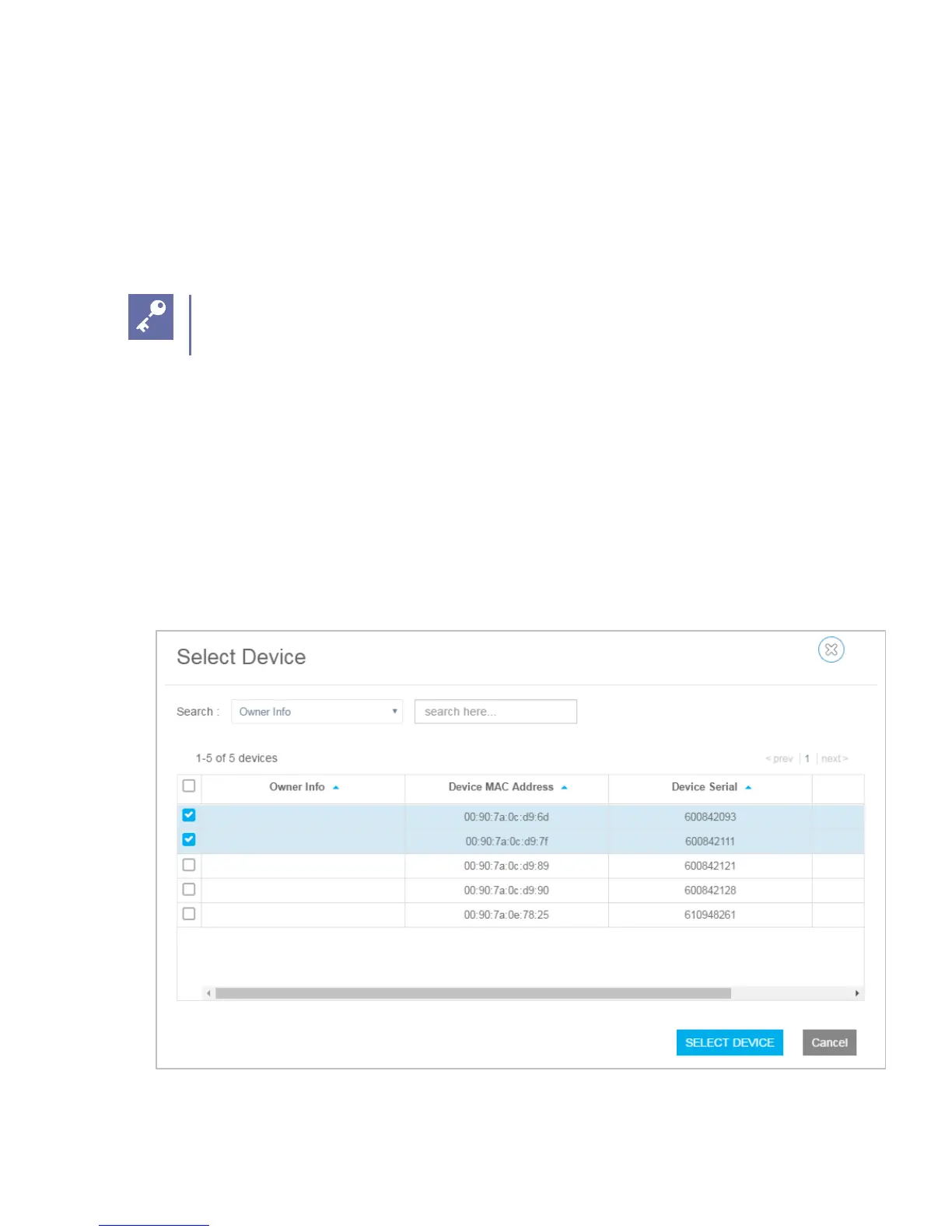
3 Click the Select Devices button and select the devices for this Group.
The Select Device window:


 To Next Page