English-06
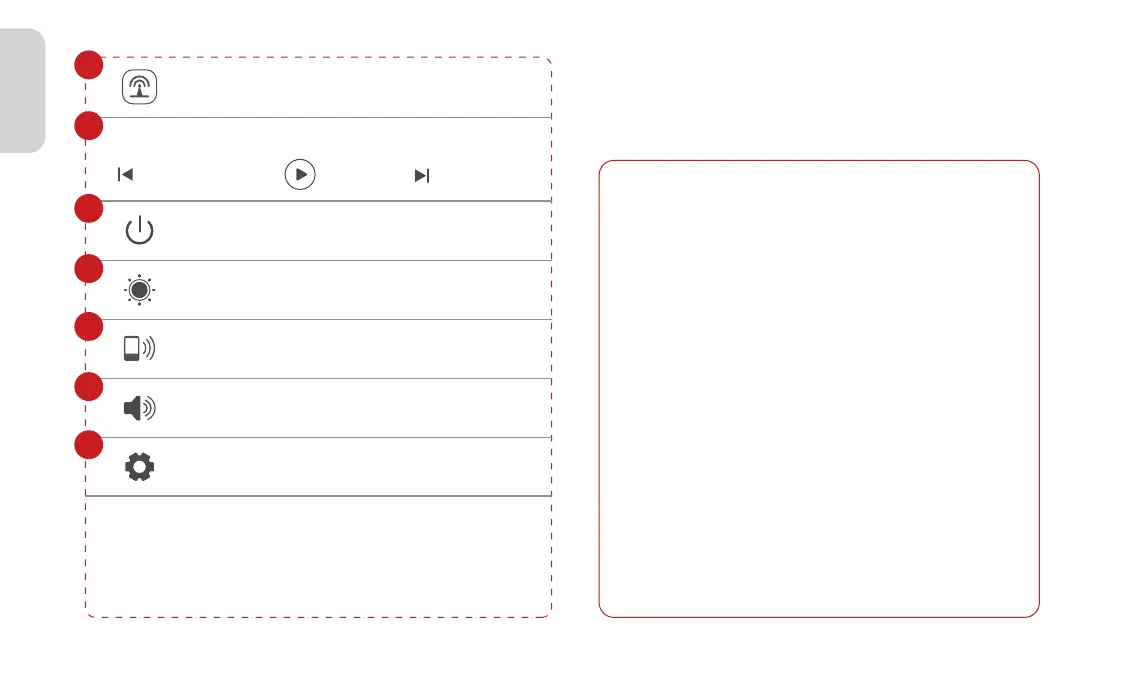
Audio Out
Play Music
Turn off screen
Brightness adjustment
Access to Mobile Connect
Volume adjustment
Settings
7
8
9
10
11
12
13
Play previous track Play/Pause
Play next track
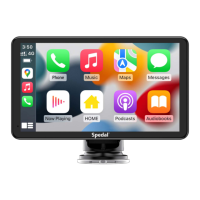
3.2 Apple CarPlay
3.2.1 Apple CarPlay Wireless Connection
·iPhone is running iOS 9 or higher. (such as iPhone XR
and above; iPhone 11 and above; iPhone SE (second
generation) and above, etc.)
·It also requires the CarPlay system and the iPhone's
voice system to be turned on. Please check if Siri is
enabled.
·When using wireless CarPlay for the first time, the
connection time may take around 30 seconds, please
be patient.
For more details visit:
http://www.apple.com/ios/carplay
Note
The iPhone version that supports wireless CarPlay
requires the following:



 To Next Page