3.8 Settings
Basic Setting
Click " " on the home screen to enter Settings.
Touch Screen Calibration
Restore Factory Settings
Camera Mirroring Settings
Reversing Guide Lines Settings
Guide Line Customization
Driver’s Seat Direction
Restore all settings to the factory default values.
Turn on or off reversing guide lines.
You can set left and right mirrors, up and down mirrors,
up, down, left and right mirrors, or turn off mirrors.
Enter the adjustment interface, select any number box,
and once selected, it will turn blue. Then, you can click
any arrow up, down, left, right to make adjustments.
Please click on the center of the cross star in the
upper left corner twice for complete touch calibration.
Set driving position, with options for left-hand
or right-hand steering.
14
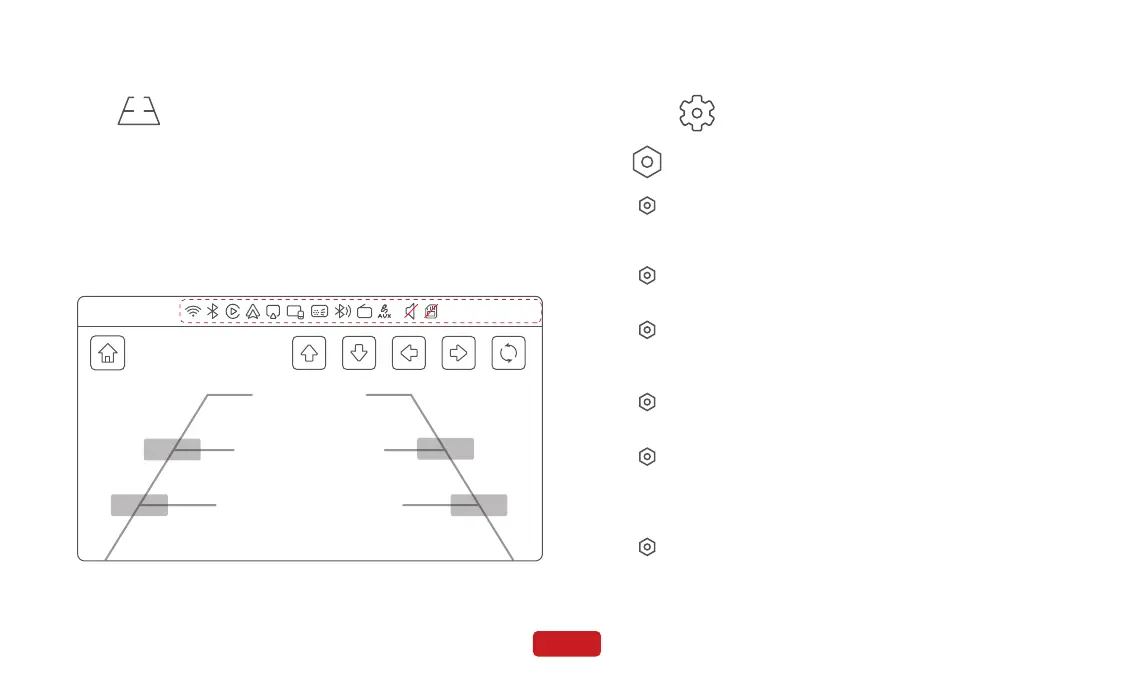
3.7 Rear Camera
Click " " on the home screen to enter Rear Camera.
Reversing guide lines can be set through the following path,
Path: Home srceen - Settings - Guide Line Customization.
Enter the adjustment interface, select any number box, and once selected,
it will turn blue. Then, you can click any arrow up, down, left, right to make
adjustments, you can also long press the number box to move the
reversing guide lines.It can also be restored to default values.
Guide Line Customization
03/01/2024 12:30:24
FM
275,115
155,260 875,260
755,115
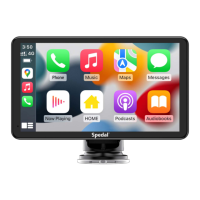
Refer to [3.1 home screen]


 To Next Page