Quick Start Guide
Search and download "SpeedyBee"' on Google Play or App Store.
Power the drone and launch the SpeedyBee app and search the
quad via Bluetooth.
After powering on the drone, open the SpeedyBee app, and use
Bluetooth to search for nearby BEE25. Once connected, you can
set parameters such as "Preset Mode" and "Meteor LED" on the
homepage or watch the "Binding Guide".
First-Time Use Guide
App DownloadBEE25 InstallationAfter-Sales Service

 Need help?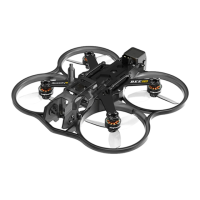

 To Next Page
 General