EN
6
Binding
You must bind the receiver to the transmitter before the receiver will oper-
ate. Binding is the process of programming the receiver to recognize the
GUID (Globally Unique Identifi er) code of a single specifi c transmitter. To
bind the AR635 receiver to a DSM2 or DSMX transmitter:
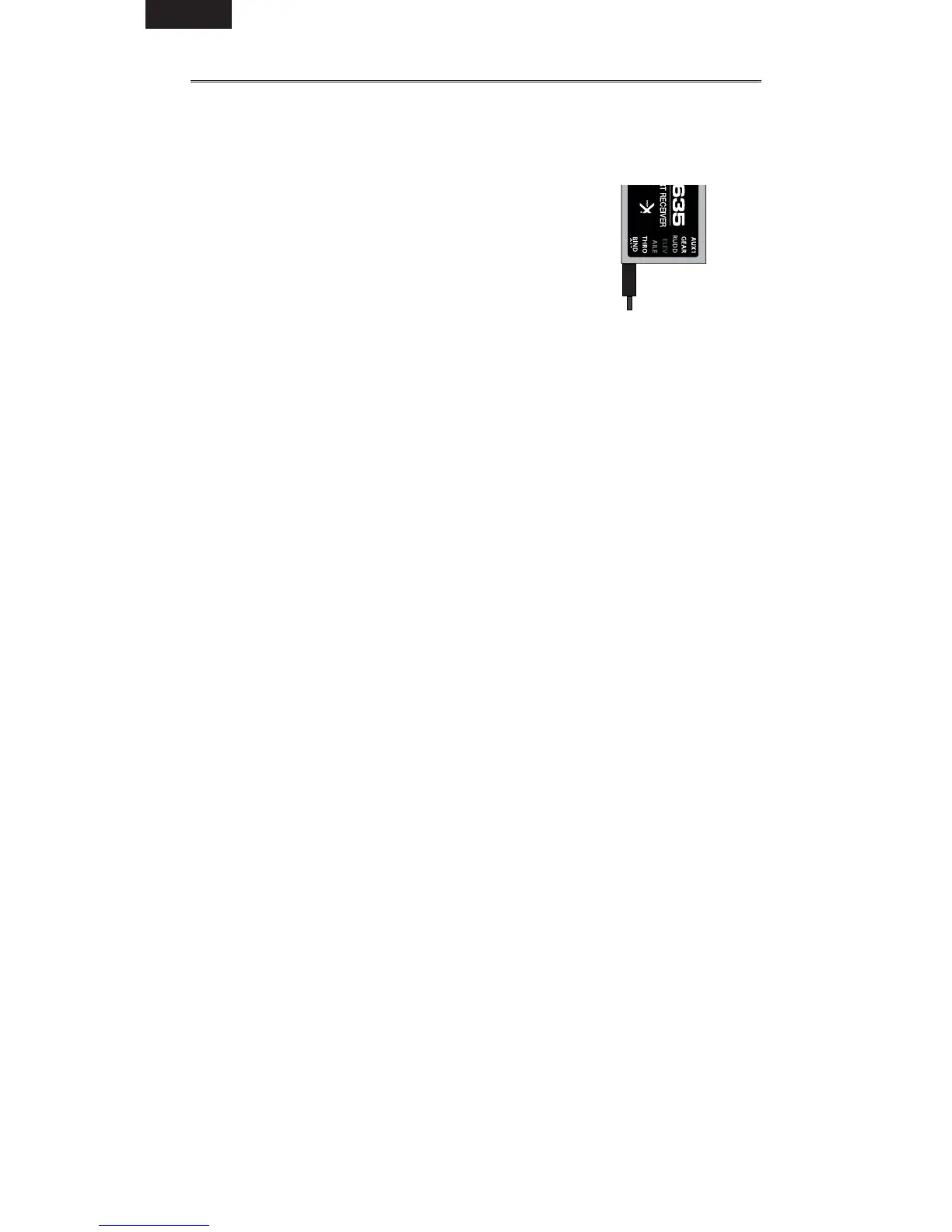
1. Insert the bind plug in the BIND port on the
receiver.
2. Power on the receiver. The receiver can be powered
through any open port. The bind LED on the receiver
fl ashes, indicating the receiver is in bind mode.
To bind the receiver using an electronic speed
controller, insert the bind plug into the BIND port in
the receiver and the ESC lead into the throttle
(THRO) port.
3. Keep the plane motionless for 5 seconds.
4. Move the throttle stick to the low throttle position.
5. Put your transmitter in Bind Mode. The system connects within a few
seconds. Once connected, the orange LED light turns solid and the
AR635 receiver begins the initialization process. At this point, the gain
lights should be fl ashing at the preset gain values.
6. After setting up your model, rebind the system so the true low throttle
position is set in the failsafe.
7. Remove the bind plug from the BIND port on the receiver before you
power off the receiver and transmitter. Store the bind plug in a
convenient place.
NOTICE:
Always remove the bind plug to prevent the system from entering
bind mode the next time you power on the receiver.
The ESC will not arm if the throttle control is not put at the lowest position.
If you encounter problems, follow the binding instructions and refer to the
transmitter troubleshooting guide for other instructions. If needed, contact the
appropriate Horizon Product Support offi ce.
AR635 with bind plug
inserted


 To Next Page