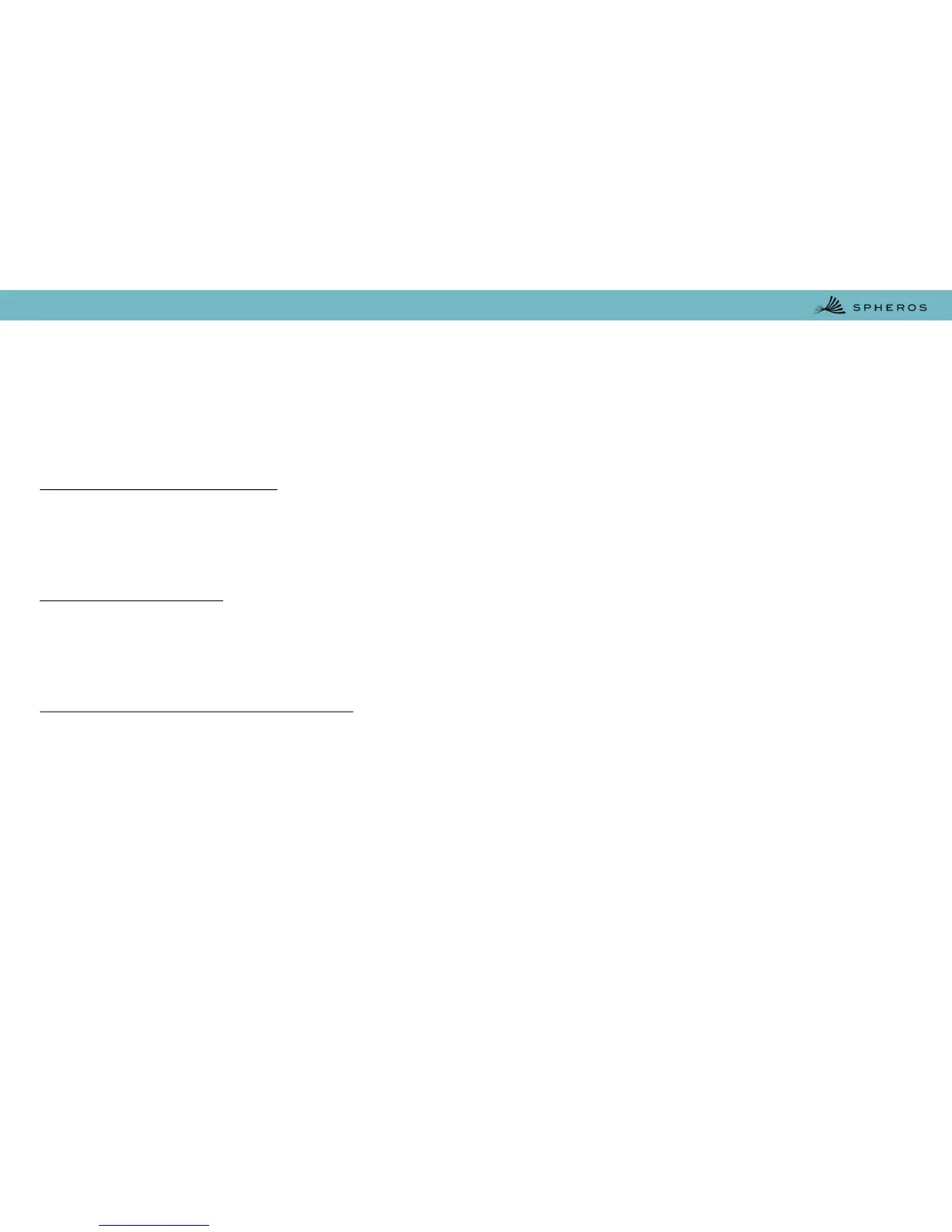
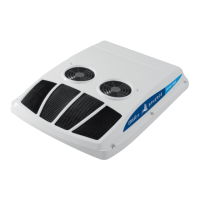
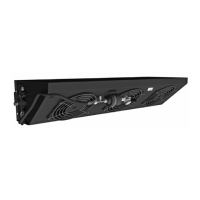
The air conditioner control panel WG-14164-00 has two control switches, one for the blower speed and
one for the temperature adjustment. It also is featured with has an LED indicator to signal the activation
of the air conditioning clutch.
Temperature Adjust Switch
The Temperature Adjust Switch (7) is used to set the ideal or desired temperature value of the user. This
can be varied between approximately 18°C and 26°C. The system is then automatically regulated
when the set value is attained.
Cooling Compressor
The Cooling Compressor LED (6) lights blue whilst the air conditioning compressor clutch is activated,
the condenser fans are running and the cooling is taking place. The LED goes off when the cabin
temperature falls to the level the user has set.
Blower and Air Conditioning Switch
The blowers have three modes of activation by the Blower and Air Conditioning Switch (5) – Low (2),
High (3) and Auto-regulation (4). The blowers do not run and no cooling takes place at the OFF position
(1). The Low and High switch positions keep the blowers continuously running at low or high fixed speed
respectively, independent of the set or actual temperature values.
In Auto-regulation mode, the speed of the blowers is low when the cabin temperature is below the set
value. The speed becomes high when cooling is taking place and the actual cabin temperature exceeds
to the users set.
High speed blowing starts only after the temperature difference exceeds to + 2°C between the set value
and the cabin temperature. It stops when the cabin temperature is equal to the set value.
5.2. Controller WG-14164-00 Operating


 To Next Page