h1-h2 BUTTON
This button is used only in the vertical oscillation modes. In the vertical
oscillation modes, the machine is serving balls at two height levels dened
by the h1 and h2 settings.
Press the h1-h2 button once to set the h1 level. Press the h1-h2 button
again to set the h2 level. This setting is only effective when the machine is
set on a vertical oscillation mode (horizontal vertical oscillation mode, 2-line
vertical oscillation mode or vertical oscillation mode).
w1-w2 BUTTON
This button is only used for horizontal 2-line oscillation modes (2-line
oscillation and 2-line vertical oscillation). In the horizontal 2-line oscillation
modes, the machine is serving balls at two widths dened by the w1 and w2
settings.
Press the w1-w2 button once to set the w1 placement. Press the w1-w2
button again to set the w2 placement.
The width ranges between 1 (far right of the court) and 20 (far left of the
court).
Oscillation Modes
Besides the programmable drills, the plus-2 model can support various
oscillation modes, or the combination of oscillation modes. Overall there are
ve types of oscillation:
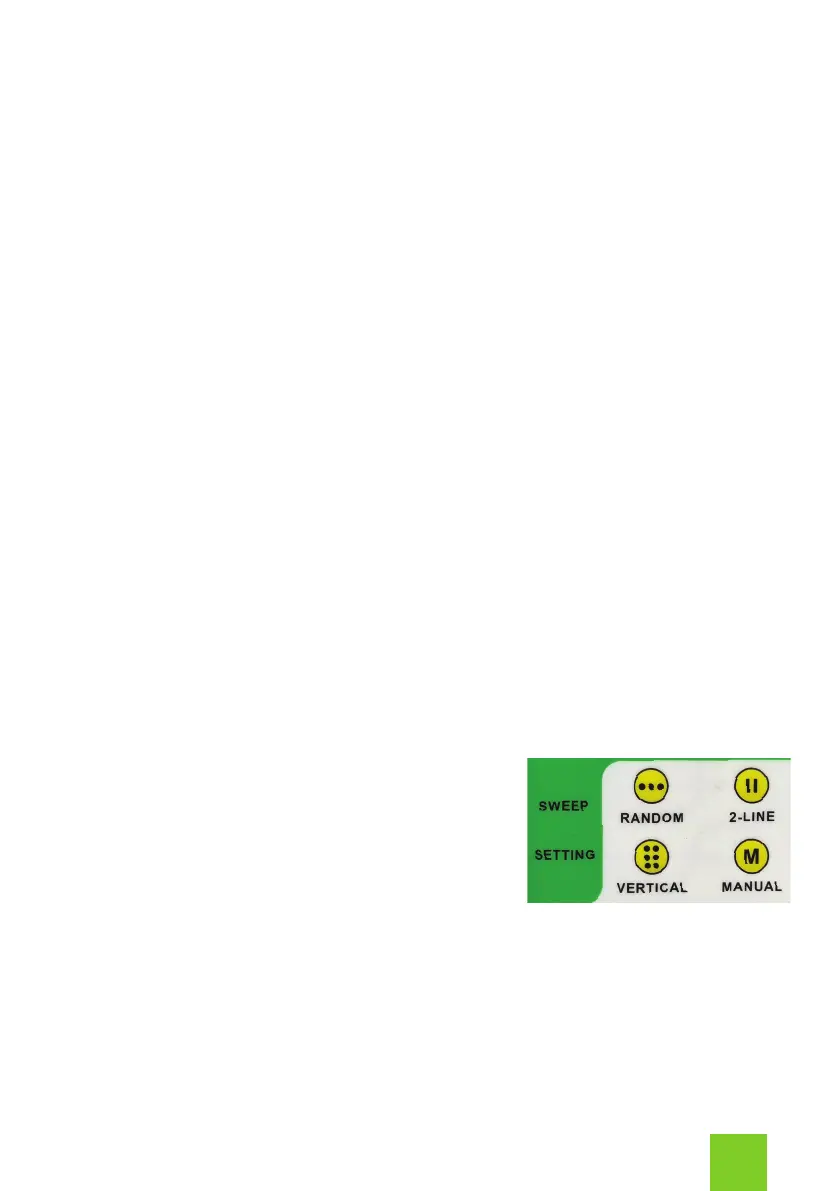
1: Random Horizontal Oscillation
2: 2-Line Oscillation
3: Vertical Oscillation
4: Random Horizontal and Vertical Oscillation
5: 2-Line Horizontal and Vertical Oscillation
RANDOM = Random Horizontal Oscillation
In this mode the machine serves balls randomly across the width of the
court. Ball speed, height, spin and feed rate can be adjusted for the random
oscillation mode.
5


 To Next Page