User Manual, Spintso Referee Watch S1 PRO, vers 2.0
12 (30)
User Manual, Spintso Referee Watch S1 PRO, vers 2.0
13 (30)
7.1.2.5. Pro 1 / Pro 2 match handling
• Match is started by pressing button A. How the button activates depends on the Short-press, long
press or double-press setting.
For the PRO match clock, we recommend trying the double-press button activation. It provides both
fast and secure control of the match clock.
• If the match clock is started too early by mistake, you can reset the current playing period. This is
done by pressing and holding button A for 6 seconds. After 3 seconds you will receive a blinking
message that the period is about to be reset.
• During playing period, the period time can be paused by pressing on button A. Additional time start
to count up, and the watch will vibrate every 10 seconds to remind the referee that the period time
is paused. Press on button A again to resume the period time. The additional time then pauses.
• End of period is indicated by a ve second vibration, and the break time starts to count down.
• End of break time is indicated by a ve second vibration.
• Start the new period by pressing button A. The new playing period is always started
manually, and it can be started before or after the break time have reached zero.
• To exit the match clock, press and hold button A for 6 seconds. After 3 seconds you will receive a
blinking message that you are about to exit the match. You can only exit the match after the match
have ended, or after a playing period have been reset.
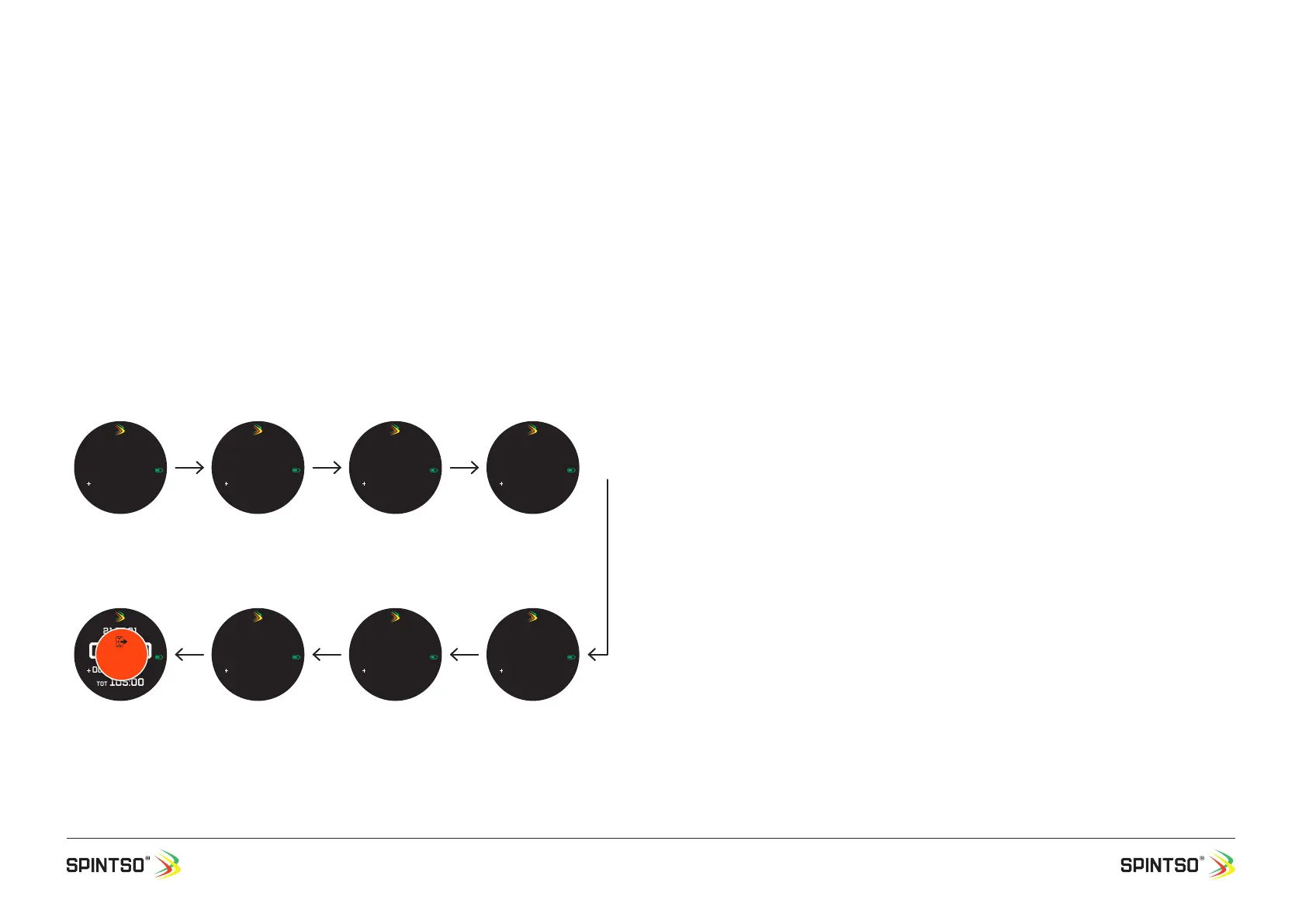
7.1.2.6. PRO match example 2x45, Break Time 15
All start/stop/restart actions are made by pressing button A.
7.1.2.7. Youth match handling
• Match is started by pressing button A. How the button activates depends on the Short-press, long
press or double-press setting.
For the Youth match clock, we recommend trying short-press button activation. It provides the
most practical control of the match clock, and the Youth event menu.
• If the match clock is started too early by mistake, you can reset the current playing period. This is
done by pressing and holding button A for 6 seconds. After 3 seconds you will receive a blinking
message that the period is about to be reset.
• After the match has started, the Youth event menu can be accessed by pressing down button A.
Enter, exit and stepping through the Event menu is conrmed by short indications. Youth menu and
options are described separately.
• End of period is indicated by a ve second vibration, and the break time starts to count down.
• End of break time is indicated by a ve second vibration.
• Start the new period by pressing button A and select Kick-off in the youth event menu. The new
playing period is always started manually, and it can be started before or after the break time have
reached zero.
• To exit the match clock, press and hold button A for 6 seconds. After 3 seconds you will receive a
blinking message that you are about to exit the match. You can only exit the match after the match
have ended, or after a playing period have been reset.
45:00
20:00:00
P2
00:00 B 15:00
TOT 000:00
Gps
PRO Match is selected.
The settings for the match
are displayed. The number
of match periods, and the
time for the rst period
and the rst break.
10 min
44:59
20:10:00
P1
00:00
TOT 000:01
Gps
Match is started. The
Period time start count-
ing down, and the Total
time start to count up.
Break time disappear.
Period nr. 1 is displayed.
15 min
30:00
20:25:00
P1
00:01
TOT 015:01
Gps
Match time is stopped.
The Period time is now
stopped. Additional
Time start to count up.
Total time continue
counting up.
30 sec
29:59
20:25:31
P1
00:30
TOT 015:31
Gps
Match time is restarted.
The Period Time start to
continue count down, and
the Additional Time stop
to count up. Total time
continue counting up.
00:00
21:56:31
P2
00:00
TOT 105:00
Gps
EXIT
MATCH
Post end of match.
Total time continue count-
ing up. Button A is pressed
>6 sec to manually exit
the match. “EXIT MATCH”
blink the last 3 seconds to
inform that you are about
to exit the match.
15 min
00:00
21:46:31
P2
00:00
TOT 090:01
Gps
Match is nished. The
Period time has ended,
and the break time
remain not visible. Total
time continue counting
up.
45 min
44:59
21:01:31
P2
00:00
TOT 045:01
Gps
2nd period is started.
The Period time start
counting down, and the
Total time start to count
up from 45:00. Break time
(00:00) disappear, and
Additional time is reset.
Period nr. 2 is displayed.
16 min
00:00
20:45:31
P1
00:30
TOT 045:31
Gps
B 14:59
Break time between peri-
ods automatically start.
The Period time has
ended, and the break
time has started to count
down. Total time continue
counting up.
30 min


 To Next Page
 Loading...