User Manual, Spintso Referee Watch S1 PRO, vers 2.0
14 (30)
User Manual, Spintso Referee Watch S1 PRO, vers 2.0
15 (30)
7.1.2.7.1. Youth event menu
The Youth event menu options are slightly different depending on which stage the match is at.
Menu navigation
• After the match have started, you can access the menu by pressing button A. The rst item in the
list is highlighted and ready for activation.
• Step through the menu by repeatedly pressing button A. The currently selected item is highlighted
after release of the button.
• To activate the highlighted item, press and hold button A for 2 seconds. Release the button after
you have received the vibration conrmation.
• Exit from the menu happens automatically after ve seconds if not continuing to press the button.
The currently highlighted item is then not activated.
• The menu is designed for quick activations. If you remember the different menu item positions, you
don’t even need to look at the display. For example:
• Register goal home: Press and release, press and hold, wait for vibration, release.
• Register goal guest: Press and release twice, press and hold, wait for vibration, release.
• Pause match: Press and release three times, press and hold, wait for vibration, release.
• And so on.
Menu items
• Kick-off: Starts period 2 to 9.
• Goal Home: One goal is added to the Home goal counter.
• Goal Guest: One goal is added to the Guest goal counter.
• Pause match: Period clock and active penalty timers are paused. Vibrations are activated every 10
seconds to remind that the match clock is paused.
• Cont. match: Period clock and active penalty timers are resumed.
• Penalty: Penalty count down timer is activated. Additional penalty timers (Maximum nine) can also
be activated but are hidden until the oldest timer has reached zero. The watch will vibrate when the
penalty timer reaches zero. A penalty time that has not reached zero before the end of a period will
be paused and resumed at start of the next period. Each penalty is assigned a unique number (1-9).
• Undo last: Cancels the latest action. (Goal or Penalty)
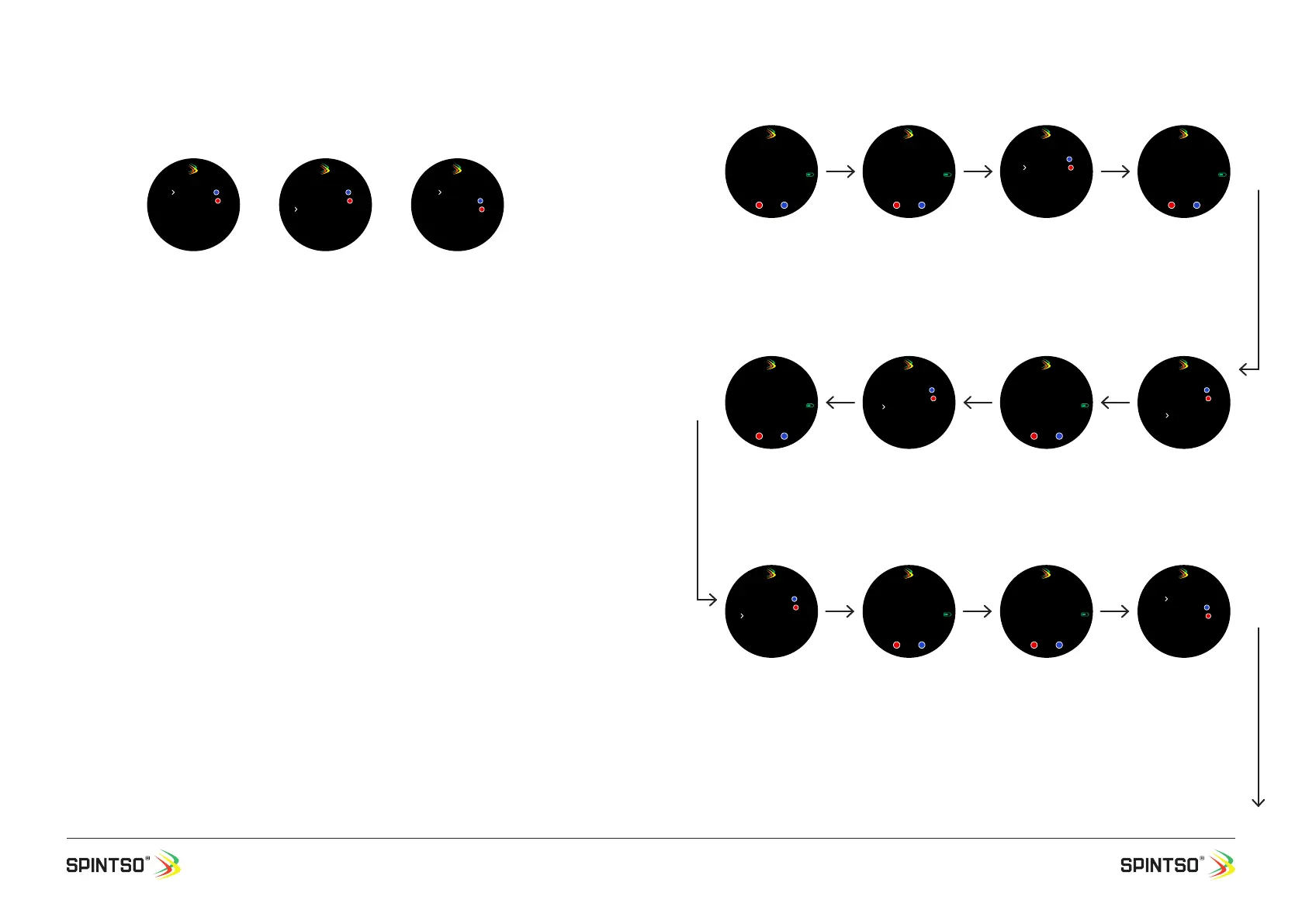
7.1.2.8. Youth match example 3x20, Break Time 10
Normal
Goal home
Goal guest
Pause match
PENALTY
UNDO LAST
Youth event menu
During pause
Goal home
Goal guest
Continue match
PENALTY
UNDO LAST
Youth event menu
During break
Kick-off
Goal home
Goal guest
Pause match
PENALTY
UNDO LAST
Youth event menu
14:00:00
20:00P3
PT1
05:00 B 10:00
Gps
Home 00 GUEST 00
Youth match selected.
The settings for the
match are displayed.
The number of match
periods, Penalty time,
and the time for the
rst period and the rst
break.
10 min
14:10:01
19:59P1
Gps
Home 00 GUEST 00
Match is started by
pressing the button.
The Period time start
counting down. Penalty
time and Break time
disappear. Period nr. 1 is
displayed.
5 min
Goal home
Goal guest
Pause match
PENALTY
UNDO LAST
Youth event menu
Goal Guest is regis-
tered.
Youth quick menu is ac-
cessed, and Goal Guest
is selected. Kick-off
option is hidden and not
active. The Period time
continue counting down
in the background.
5 sec
14:15:05
14:54P3
Gps
Home 00 GUEST 01
Watch returns to referee
watch. Guest is increased
by one. The Period Time
continue to count down.
14:23:15
08:44P1
PT1
01:54
Gps
Home 00 GUEST 01
Watch return to referee
watch. Period Time and
Penalty time PT1 has
stopped counting down.
5 sec
Goal home
Goal guest
Pause match
PENALTY
UNDO LAST
Youth event menu
Match is Paused. Youth
quick menu is accessed
and Pause Match is
selected
3 min
14:20:10
11:49P1
PT1
04:59
Gps
Home 00 GUEST 01
Watch return to referee
watch. Penalty time PT1
start to count down.
The Period Time contin-
ue to count down.
5 sec
Goal home
Goal guest
Pause match
PENALTY
UNDO LAST
Youth event menu
Penalty is registered.
Youth quick menu is
accessed, and Penalty is
selected. The Period time
continue counting down
in the background.
5 min
Goal home
Goal guest
Continue match
PENALTY
UNDO LAST
Youth event menu
Match is continued.
Youth quick menu is
accessed, and Cont.
Match is selected.
5 sec
14:27:20
08:43P1
PT1
01:53
Gps
Home 00 GUEST 01
Watch return to referee
watch. Period Time and
Penalty time PT1 start
to continue counting
down.
08:44
min
14:36:05
00:00P1
Gps
Home 00 GUEST 01
B 09:59
Period beak time start.
The Period time has
ended, and the break
time has automatically
started to count down.
(Penalty time PT1 was
indicated by vibration
and removed after
reaching 00:00.)
1 min
Kick-off
Goal home
Goal guest
Pause match
PENALTY
UNDO LAST
Youth event menu
2nd period is started by
mistake too early.
Period time start count-
ing down. Break time
disappear. Period nr. 2 is
displayed.
4 min
10 sec


 To Next Page
 Loading...