Spirent C1 and C2 Installation Instructions
System Description
Spirent C1 and C2 Installation Instructions | 11
PN 71-008959 Rev A April 2020
SPT-C1 4 x 1GbE (NIC-33)
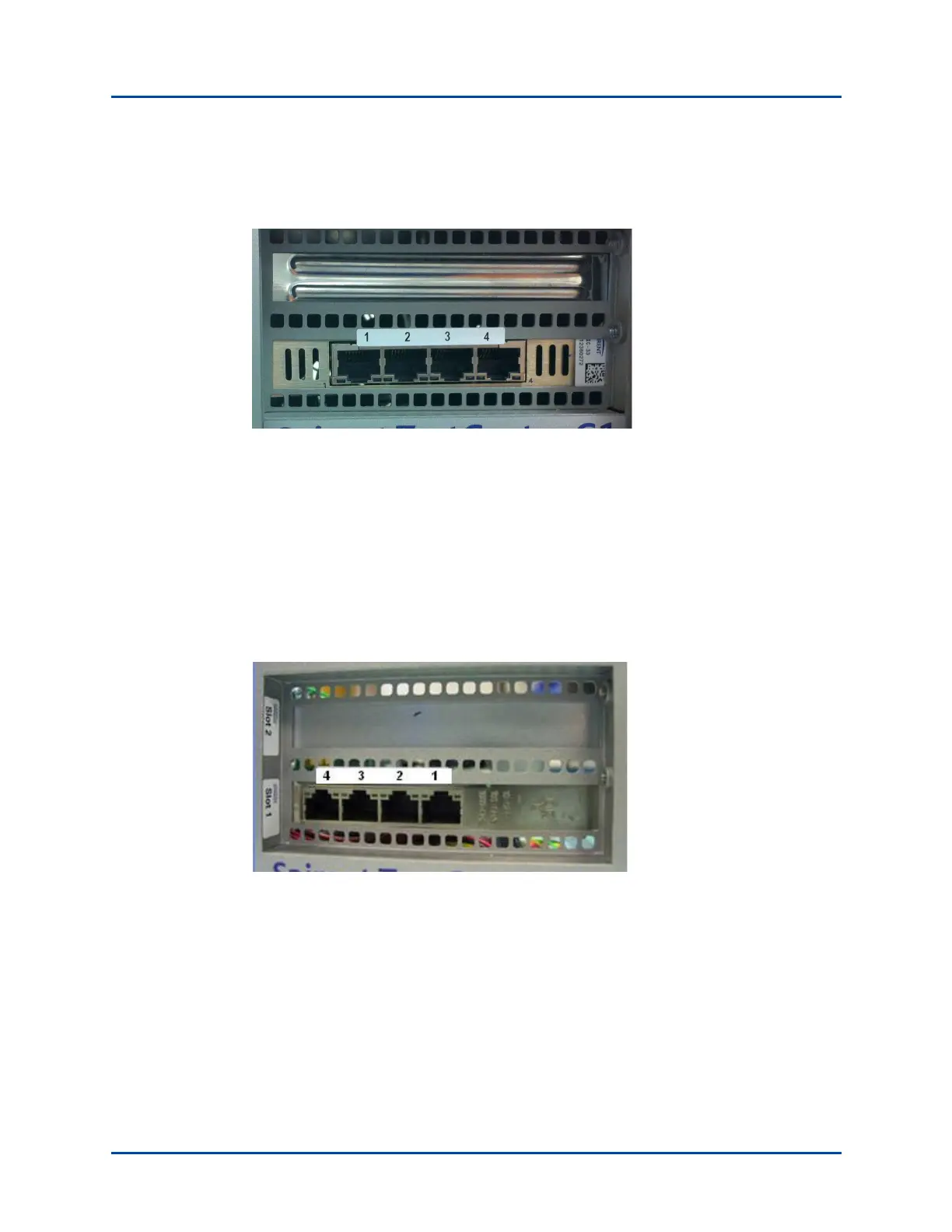
The connector panel is shown in Figure 3.
Figure 3. SPT-C1 4 x 1GbE Connector Panel (NIC-33)
The network data cables (customer supplied) connected to these ports must be as follows:
• Ethernet CAT-5 cable for the management port (Eth0)
• Four test ports (1-4)
• Copper: RJ45 connector, Ethernet CAT-5 cable.
SPT-C1 4 x 1GbE (NIC-32)
The connector panel is shown in Figure 4.
Figure 4. SPT-C1 4 x 1GbE Connector Panel (NIC-32)
The network data cables (customer supplied) connected to these ports must be as follows:
• Ethernet CAT-5 cable for the management port (Eth0)
• Four test ports (1-4)
• Copper: RJ45 connector, Ethernet CAT-5 cable.



 To Next Page