Spirent C1 and C2 Installation Instructions
System Description
Spirent C1 and C2 Installation Instructions | 19
PN 71-008959 Rev A April 2020
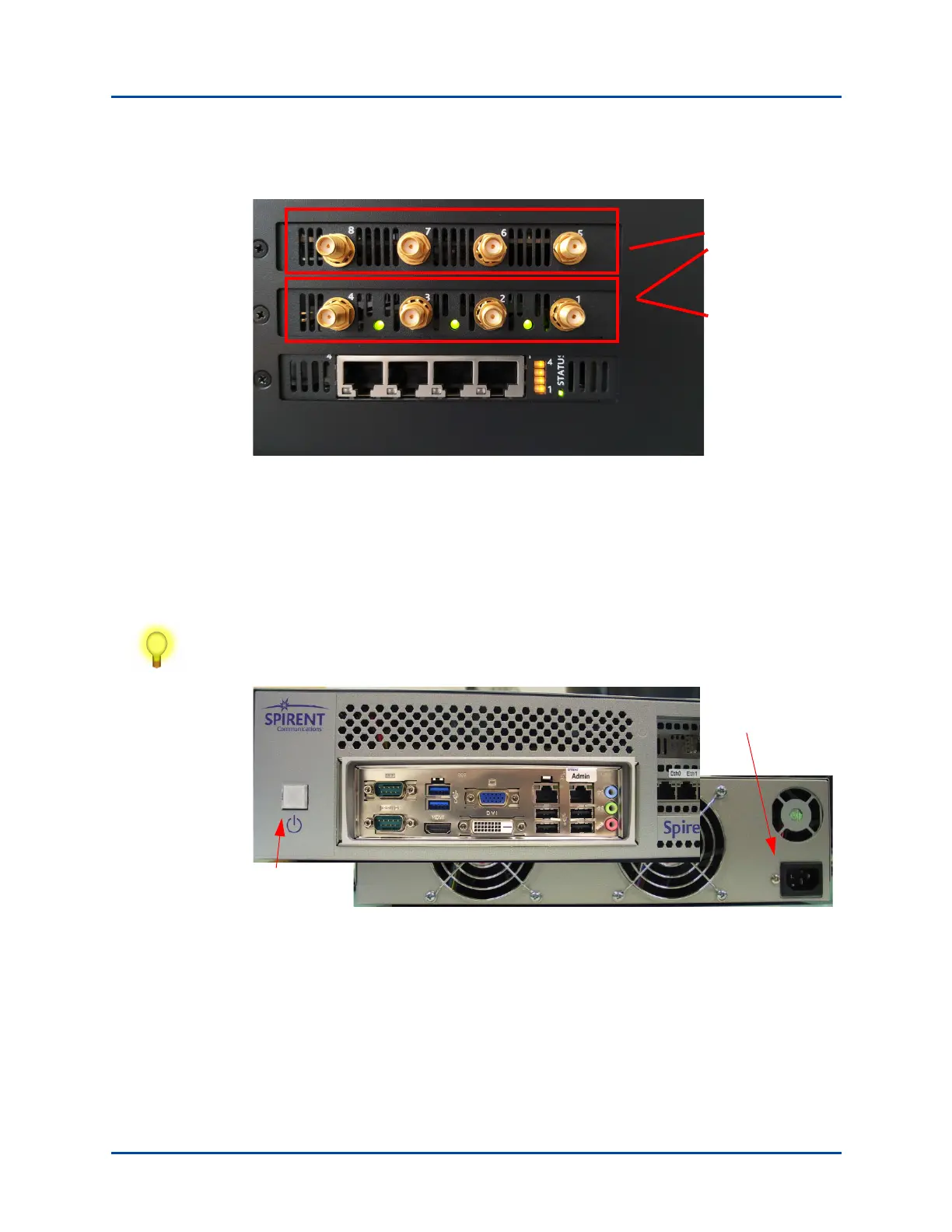
SPT-C2 NIC-70-V2 System Ports Assignment (2-Radio Profile)
Figure 14. SPT-C2 NIC 70-V2 System Ports Assignment (2-Radio Profile)
Power Supply
The power supply for the SPT-C1 and SPT-C2 is controlled by the power button on the
front of the unit. The power cord socket is on the back of the unit. Refer to Figure 15 and
Figure 16 on page 20.
Tip: Plug the SPT-C1/SPT-C2 into a surge-protected outlet to protect it from electrical
surges.
Figure 15. SPT-C1 Power Button and Power Cord Socket
Port 1: 5GHz (8x8)
Port 2: 2.4GHz (4x4)
Power
button
(front of unit)
Power cord socket
(back of unit)



 To Next Page