Serial Number is to keep track of each TCU sold. It is also engraved on the enclosure of the TCU.
The number for ex PP-PP-999999-15 means as follows:
PP – Agent which this unit was distributed to
PP – Customer which this unit was sold to – this can be changed by the Agent for his own
reference.
999999 – serial number
15 – model function no
TCU model function numbers are as follows:
3 Standard TCU
11 Intermediate TCU
15 Advance TCU
6.7 Setup (F2)
6.7.1 Transmission Setup (Alt 1)
6.7.2 Sensor Setup (Alt 2)
6.7.3 Solenoid Setup (Alt 3)
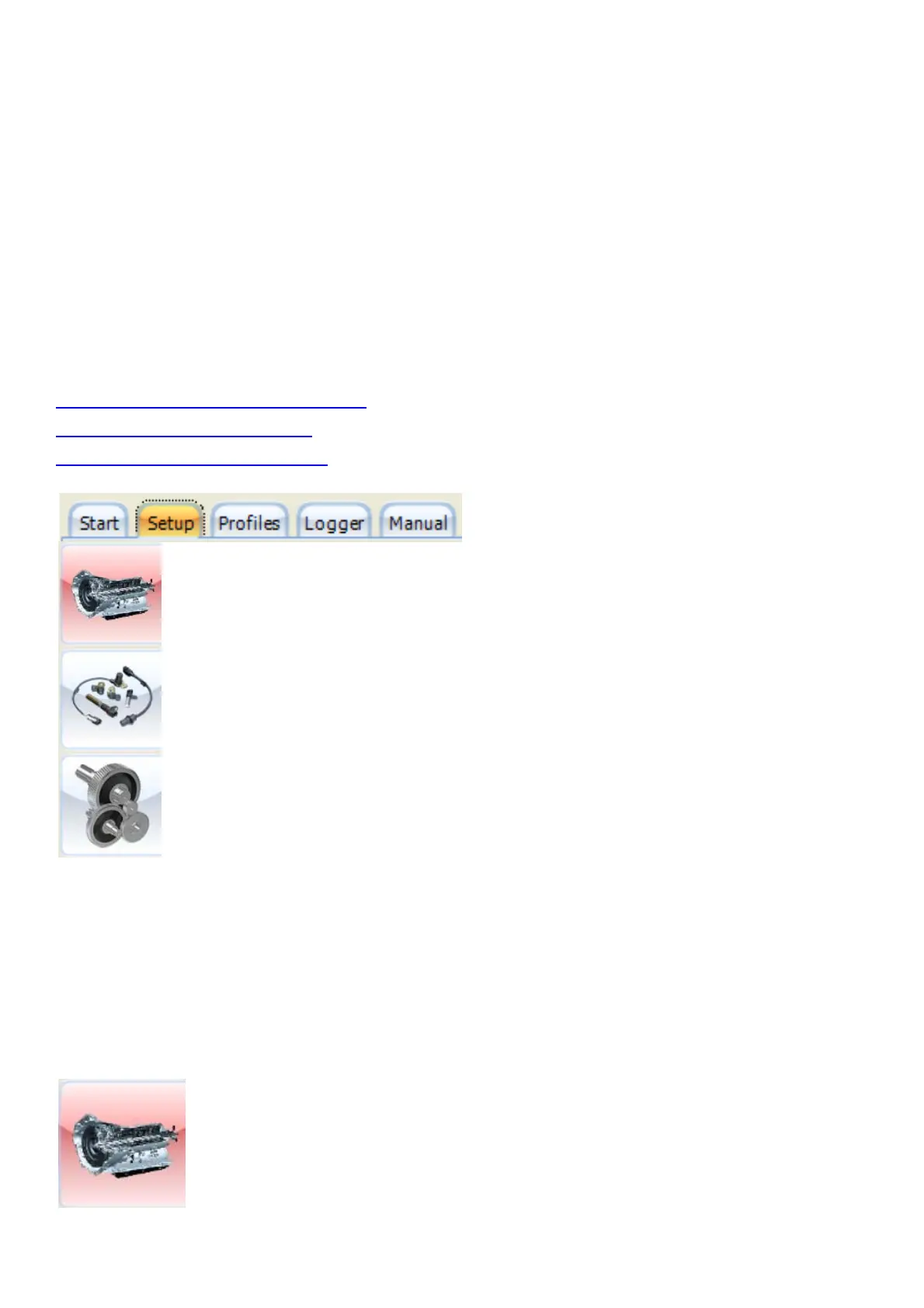
Click on the setup tab to get information on the configuration of your Transmission. Most
parameters are being preset before the TCU has been shipped. Ensure that these settings are
correct as some may damage components on your Transmission or the TCU itself.
Click on of these icons to adjust different settings in the setup page. Activate the Hot-Key by
pressing the Alt button plus the correlating number as in the icon block.
6.7.1 Transmission Setup (Alt 1)



 To Next Page