13
Navigation: You can navigate your way through messages if required by pressing
buttons on the PCS keypad. It is probably easier to remember them by referring to
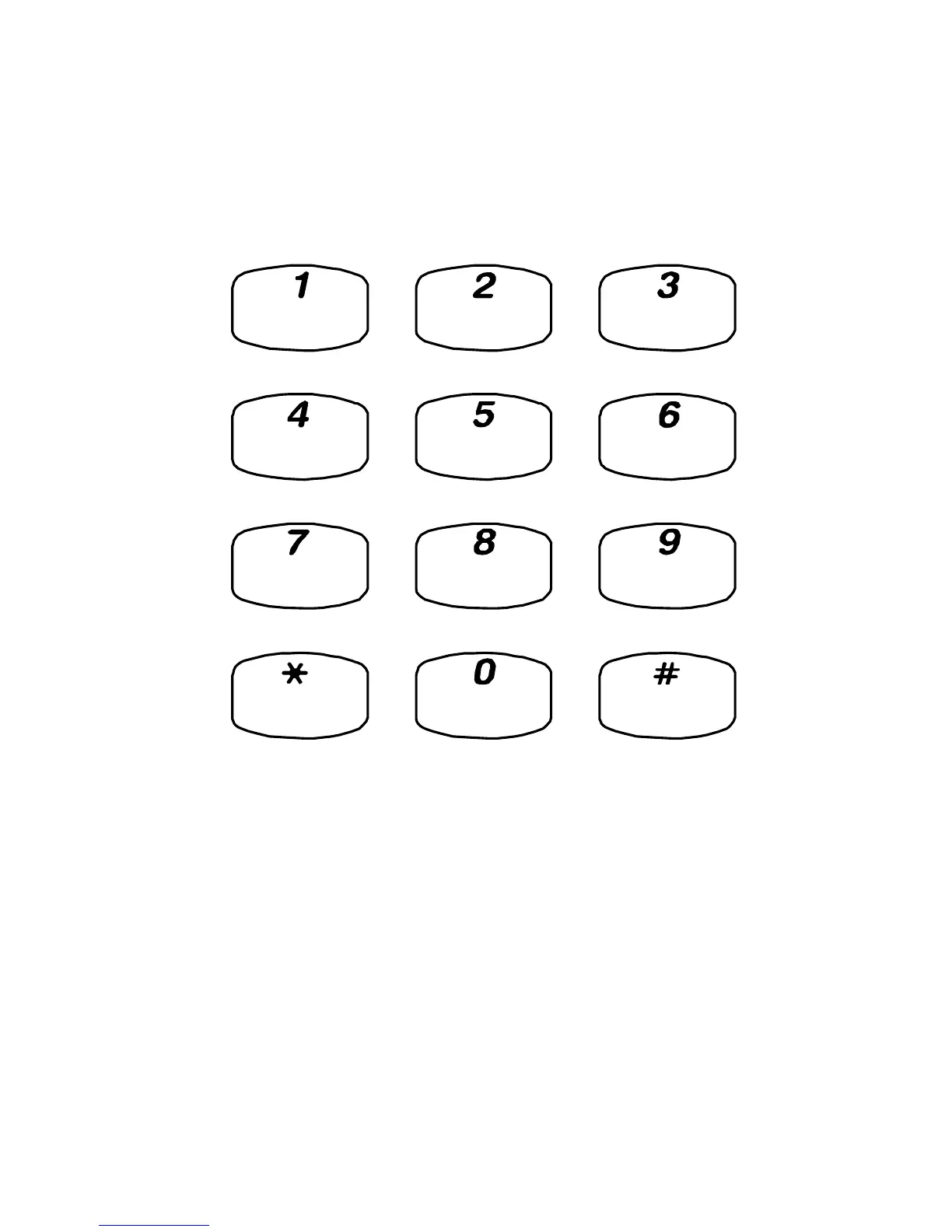
the chart below which is also provided on the PCS 10 keypad:
Play help
Skip forward 2
seconds >
Play previous
message <<
Forward this
message...
Play next
message >>
Save this
message
Configuration
options...
Return this
call
Skip back 2
seconds <
This caller's
number
Delete this
message
5 - Forwarding options:
1 – Copy to another voicemail user with a message from you
2 – Copy to another mailbox
3 – Copy to your email address
0 – Abandon



 To Next Page