IP network waterproof column speaker User Manual
trigger alarm.
Open circuit alarm: the external terminal is normally in closed circuit status, when it is in open circuit status, it will
trigger alarm.
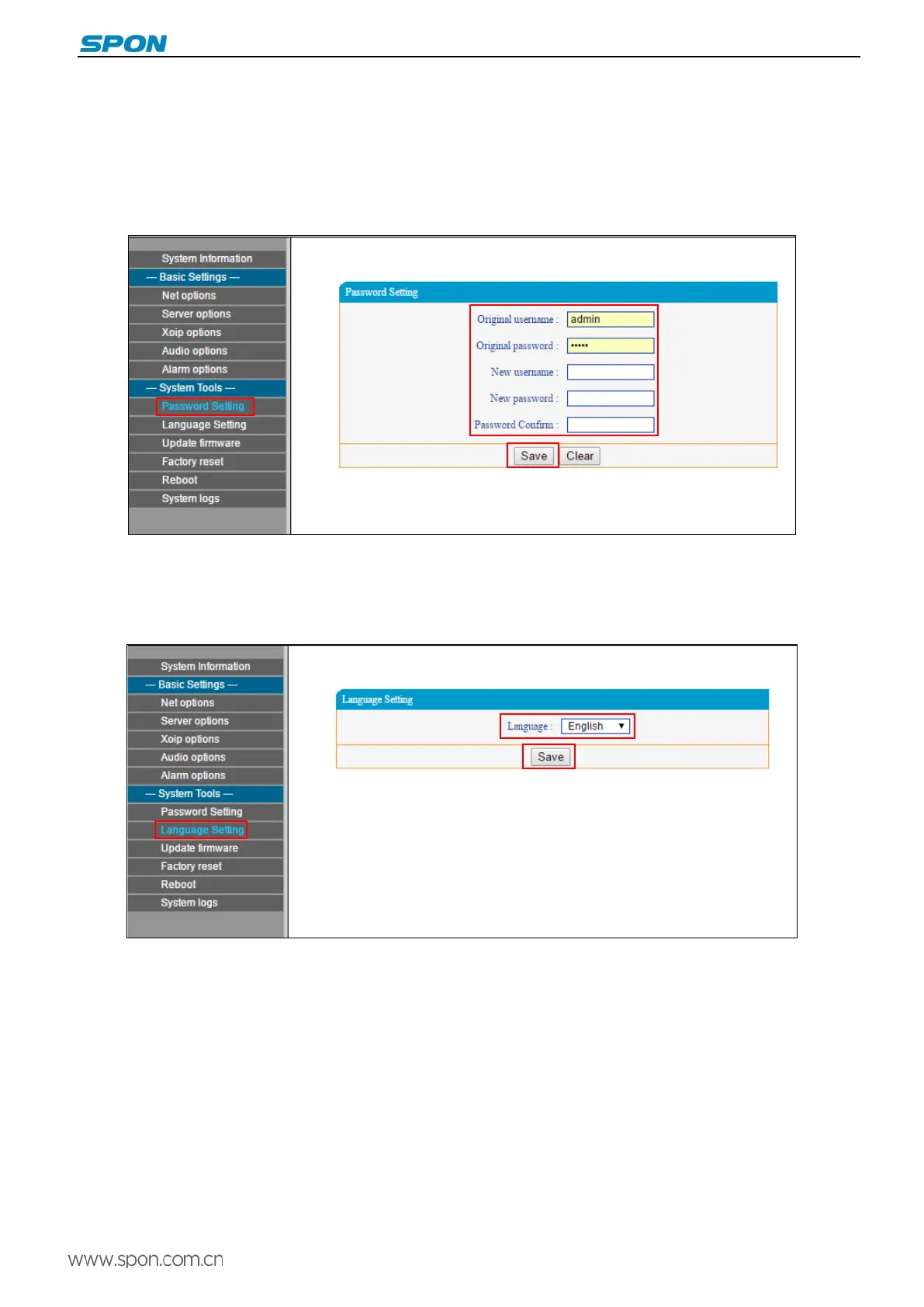
Password Settings
Modifying the user-name and password in Web parameters of the web page.
Language Settings
You can switch Web language between Chinese and English.
Firmware upgrade(Notes: No Upgrade otherwise special needs )
In the firmware upgrade web page, selecting the upgraded files provided by manufacturer, click “upgrade” to start.
10



 To Next Page