IP network waterproof column speaker User Manual
Wiring
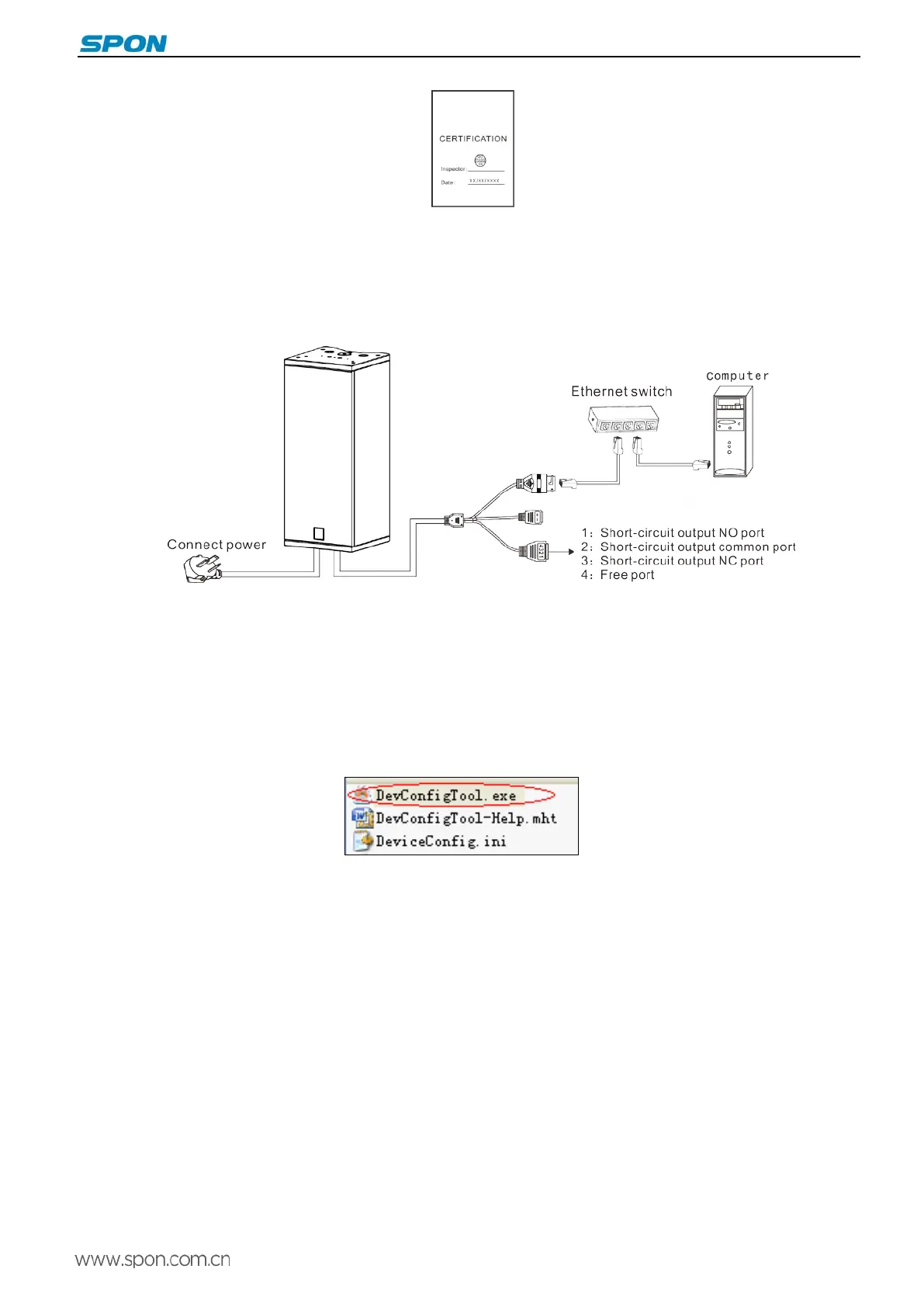
(1)Connect power plug to the electricity socket.
(2)Connect the one port of Ethernet to the speaker and the other port connect to the switcher.
(3)Connect other ports to the corresponding interface.
Basic Network Settings
Connect the terminal with cable, then modify the terminal network parameter according to the live environment. There are two
ways:
Terminal Devices Scanning Tool
(1)Under the menu of [optical disc:\tool software\ ]found “Devconfigtool.exe”and run it, after starting, input the defaulted
password“123456”
(2)Please select the [mandatory config] from the right menu, then filling each correct parameters in the[terminal
parameter]. It will be finished IP parameter configuration once pressed “sending parameters”. (It will be effective after reboot
the device if you modified the IP.)
5



 To Next Page