86
Dispcription of the screen displayed:
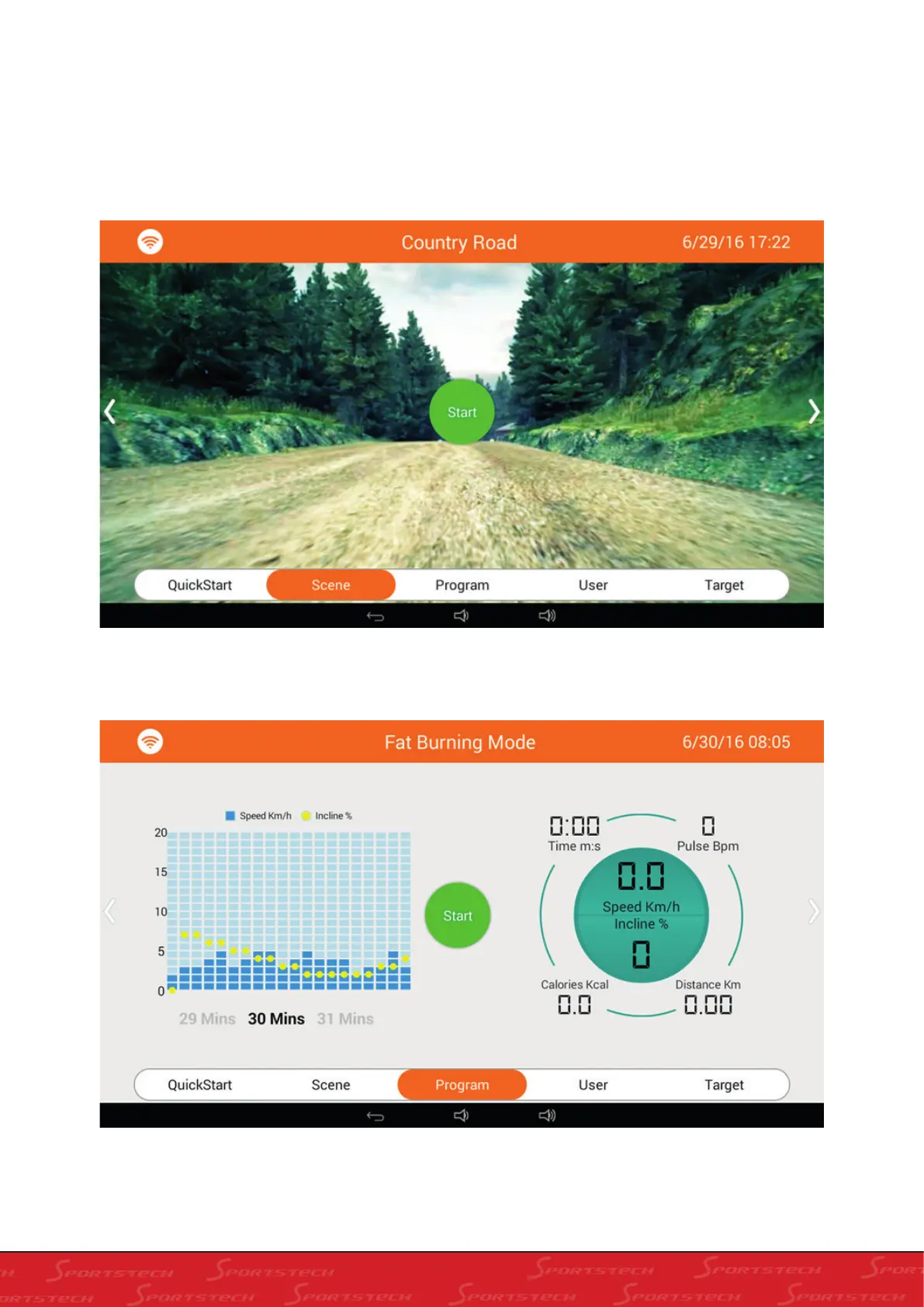
A: Operation prameter of treadmill is successively exhibited on the screen: Time (M:S), Pulse (Bpm), Speed (Km/h),
Incline (%), Distance (Km) and Calories (Kcal). The circle in the middle means the perimeter of one circle is 400M,
with Start in the middle, below there are shortcut keys for running. You can enter into corresponding running mode by
pressing the keys or by sliding left and right on the screen to select. All running modes are exhibited as below:
There are three real scenes in Real Scene mode, slide right and left on the screen to swtich among them. Click
Start;



 To Next Page