Option 2: Hardware Detection for Windows 98SE
1. After inserting your PCS Connection Card into the PC Card slot, you will
see a series of hardware detection notices.
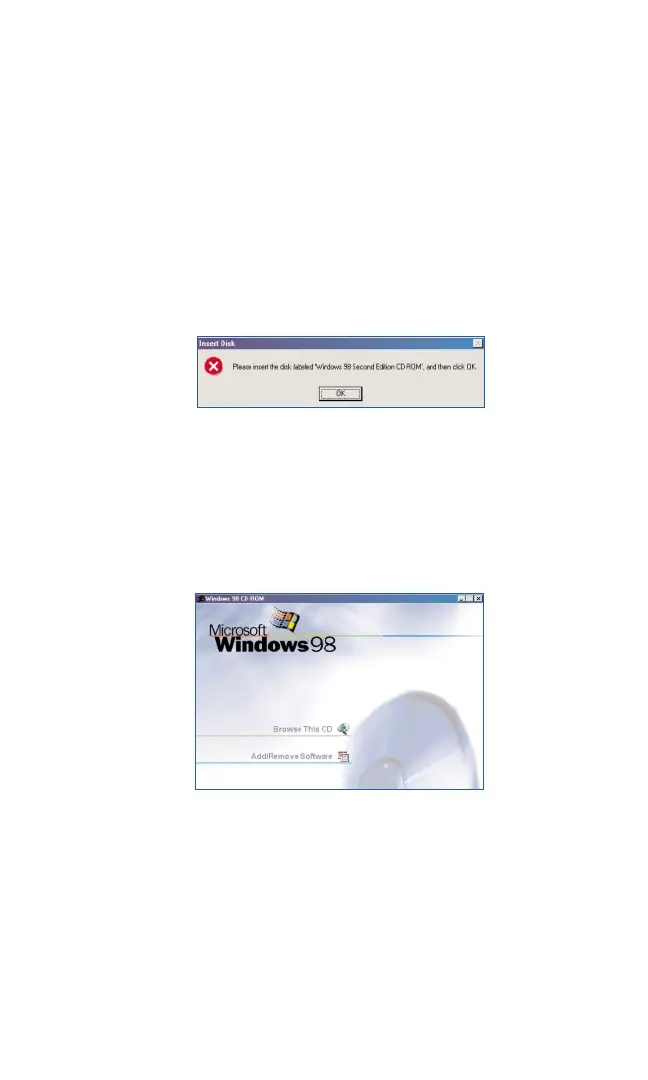
2. Some drivers may be needed from the original Microsoft Windows 98SE
installation CD. If so, the following screen will appear. Remove your
PCS Connection Card Installation CD. Insert your Microsoft Windows
98SE installation CD. Click
OKto proceed.
3. The Microsoft Welcome screen may appear. Click Xat the right corner
to continue.
Section 2: Installing the PCS Connection Card
22
2B: Installing Your PCS Connection Manager Software and PCS Connection Card
Part 1: Driver Installation



 To Next Page