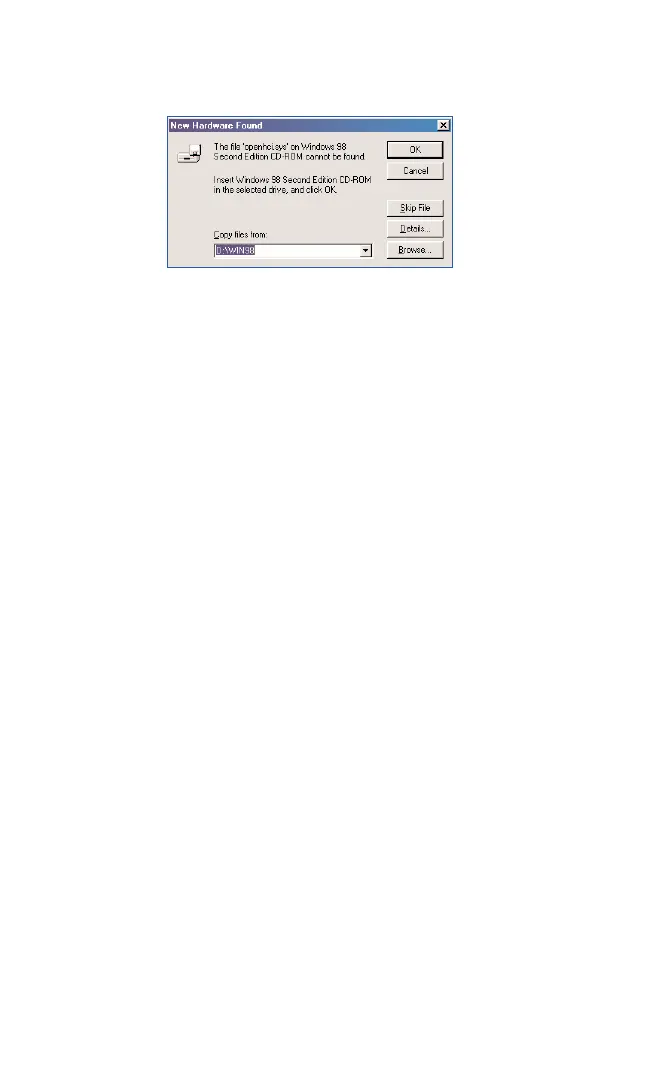
4. You will see a New Hardware Found detection notice. Click OKto
proceed.
5. After the software and driver installations are complete, the software
will detect the characteristics of the card. If your PCS Connection Card
has not been activated, the Activation Wizard will automatically
launch and guide you through the activation process.
Go to Part 3:
Activating and Provisioning Your PCS Connection Card
,
beginning on page 26
.
Section 2: Installing the PCS Connection Card
2B: Installing Your PCS Connection Manager Software and PCS Connection Card
23
Part 2: Driver Installation



 To Next Page