EasyManua.ls Logo

SPRT SP-RMT12 - Appendix: Printer Parameter Settings; Setting Instruction and Primary Settings; Baud Rate Configuration; Language Selection

SPRT SP-RMT12
14 pages
Print Icon
To Next Page IconTo Next Page
To Previous Page IconTo Previous Page
Loading...
Setting instruction: Choose setting item through
MODE
button. Press
MODE
button once, the setting item will go to the next. item and print the
current number value of this item. Choose the setting value of setting item
through
FEED
button. Press
FEED
button once, the setting value will go
to the next.
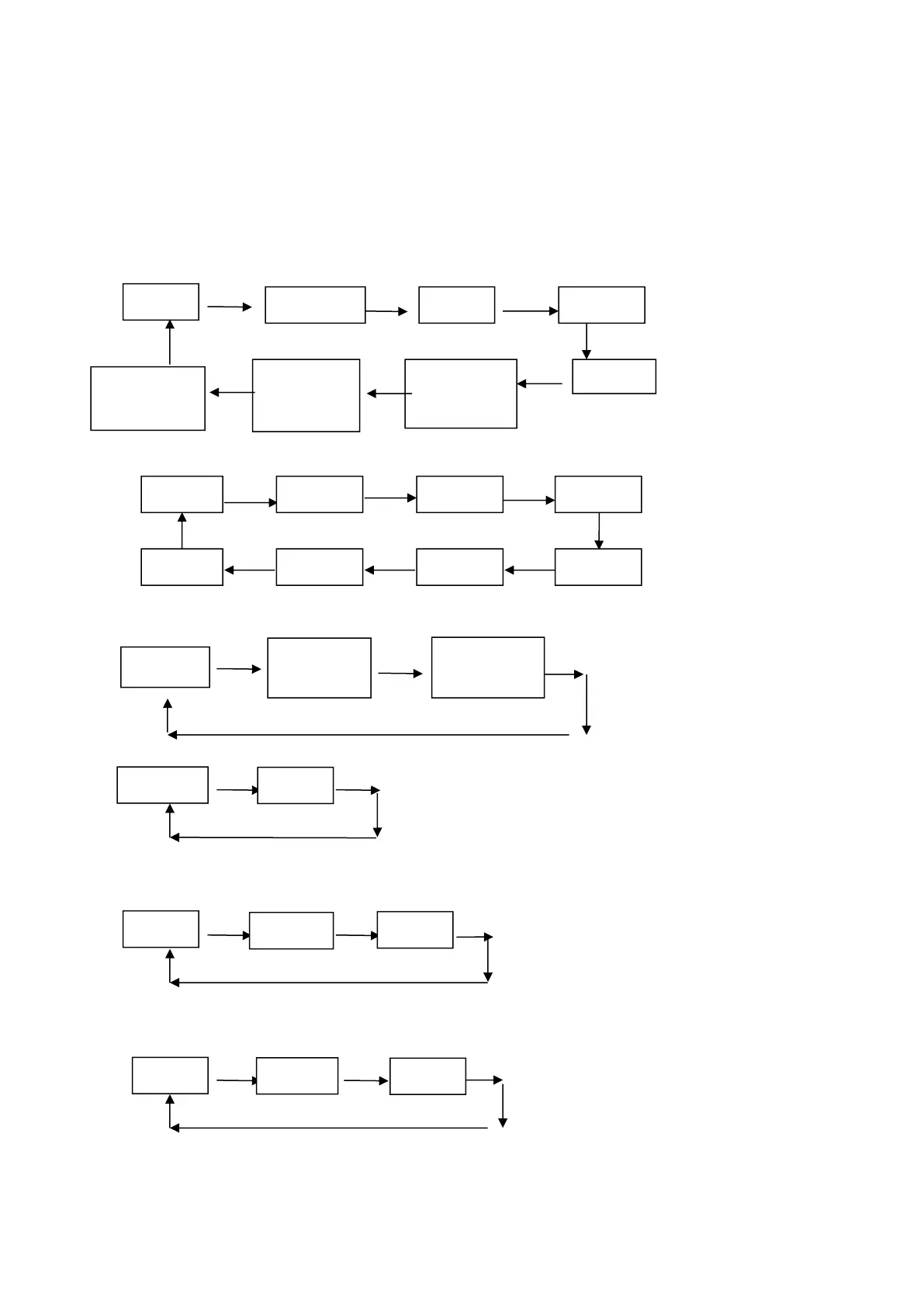
Primary settings:
MODE MODE MODE
MODE MODE
MODE MODE MODE
Xxx=
Baud rate:
FEED FEED FEED
FEED FEED
FEED FEED FEED
Language:
FEED FEED
FEED
Font:
FEED
FEED
Density:
FEED FEED
FEED
Sensor sensibility:
FEED FEED
FEED
Black mark mode:
Baud
Sensor
Blackmark
mode
Printing
direction
Printer-off
mode
Language
Font
12×24
9×17
ANK
Simplified
Chinese
Traditional
Chinese
Low
Medium
High
Low
Medium
High
9600
57600
38400
19200
4800
115200
1200
2400

Related product manuals