low’ prompt tone if in the sleeping mode.
● Auto-sleeping: the printer will fall into sleep after in 2 seconds without
button operation or receiving data , and can be awaken by
pressing
【
FEED
】
button or sending data to it.
● Battery Charging: quick charging, it will be fully charged ab hours;
● Battery Duration: under 25% printing density, more than 90 meters; the
standby time is over 15days. (These parameters are
just for reference. Long term usage will cause the
capacity decline, and can not ensure the time of
printing.)
Chapter 3 Operation Method
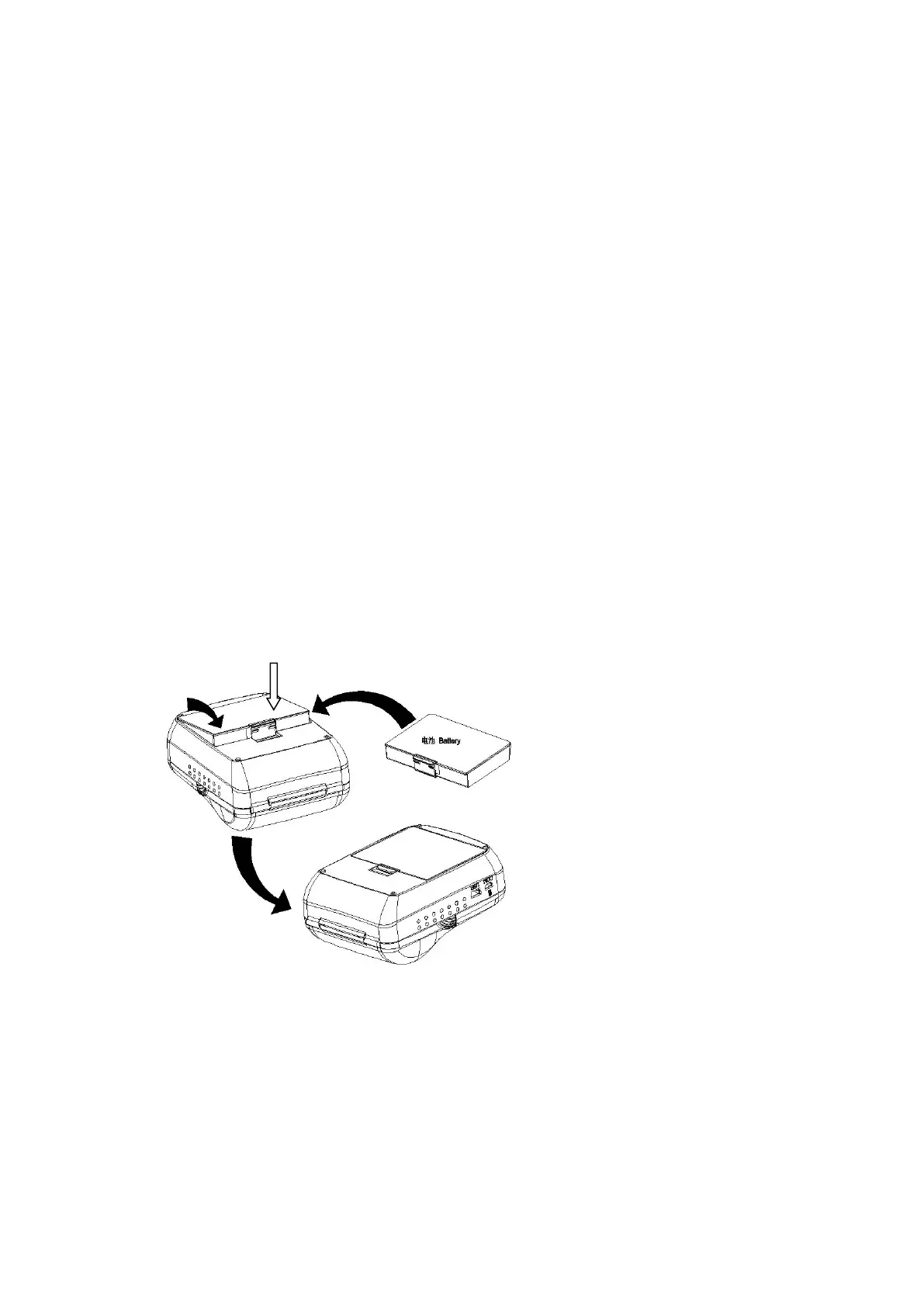
3.1.1 Battery Installation



 To Next Page