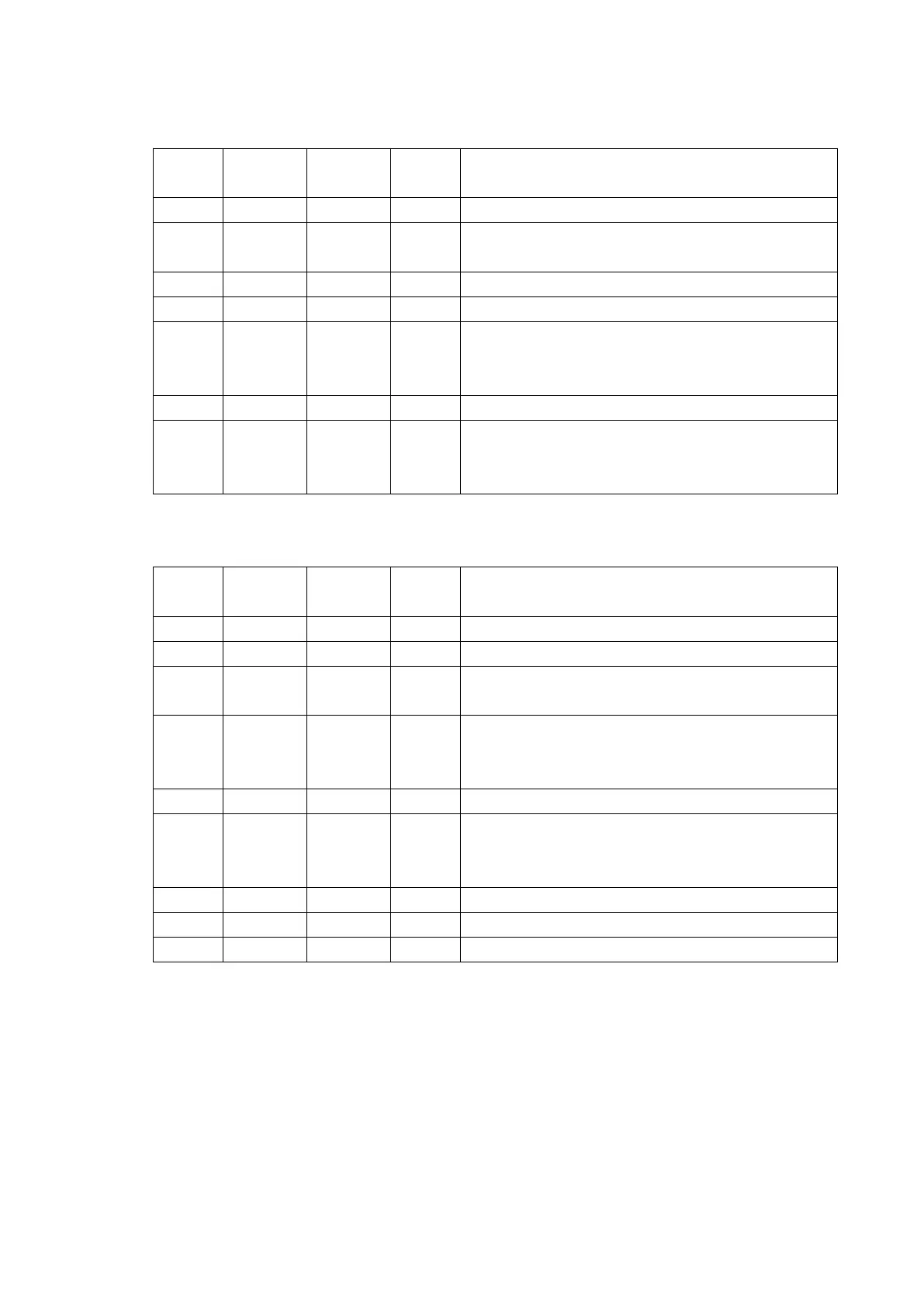
The pin assignment of serial interface is shown as 2-4, 2-5:
Printer transmits control code X-ON/X-OFF and data
to host
Printer receives data from host
Same with 20pins DTR signal
Signal “MARK” means the host is busy and can not
receive data. Signal “SPACE” means the host is
ready to receive data.
Signal “MARK” means the host is busy and can not
receive data.Signal “SPACE” means the host is
ready to receive data.
Fig. 2-4 Pin assignment of DB-25 socket serial port
Printer receives data from host
Printer transmits control code X-ON/X-OFF and data
to host
Signal “MARK” means the host is busy and can not
receive data.Signal “SPACE” means the host is
ready to receive data.
Signal “MARK” means the host is busy and can not
receive data.Signal “SPACE” means the host is
ready to receive data.
Fig. 2-5 Pin assignment of DB-9 hole socket(female) serial port
Note: (1)”Source” means the source where signal come from;
(2) Signal logic level is EIA.
The baud rate and data structure in serial interface mode is 9600bps, 8-bit data bits, no
parity bit and 1 stop bit. The serial interface of SP-TL51 can be connected to standard



 To Next Page