Operators manual MODEL 80XX Planter
page 27 of 173
Initial and Default Screens
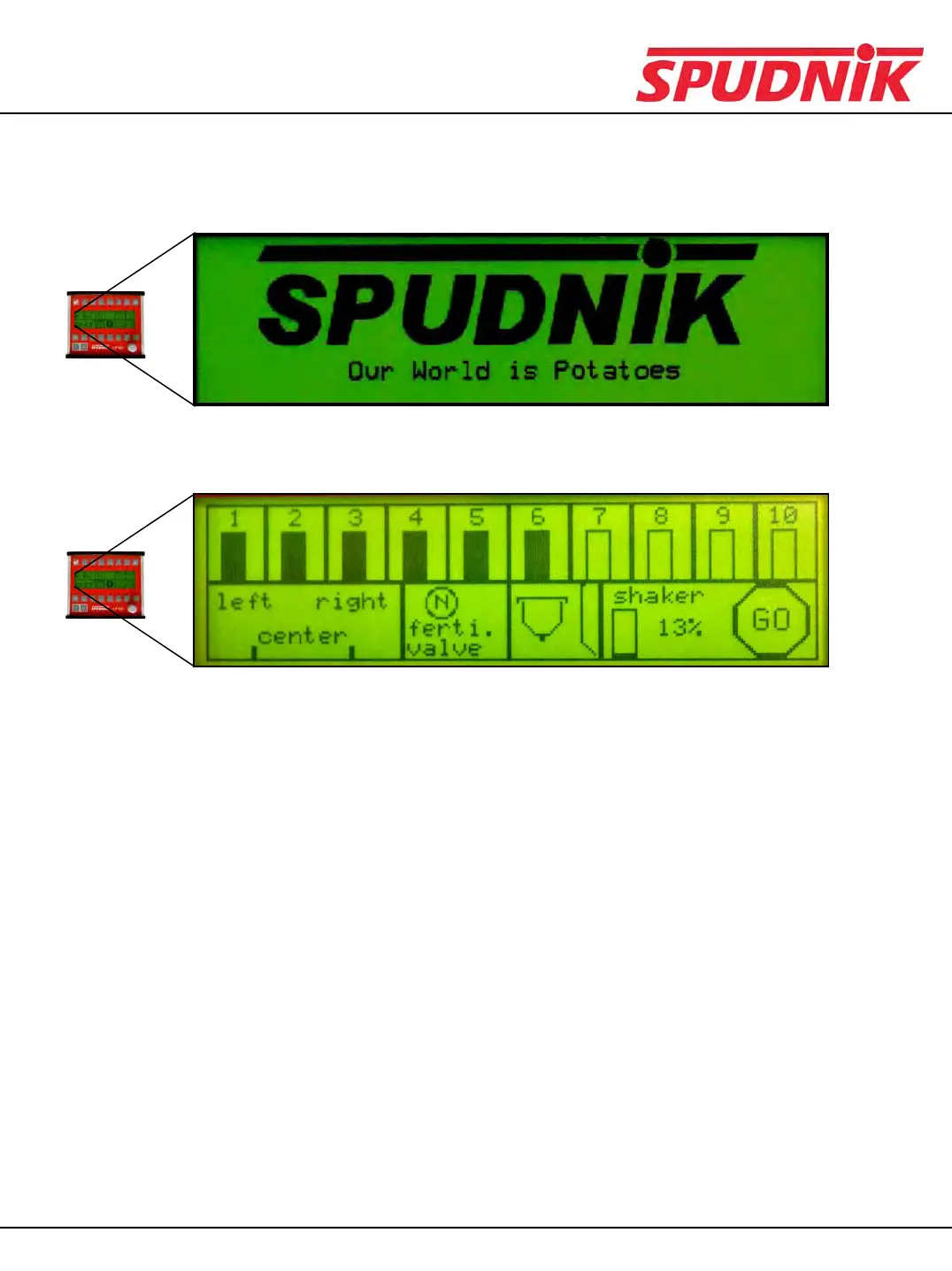
When power is turned on, this screen will display briefly.
After the previous screen, you will see the default screen:
•When left on any other screen for approximately 8 seconds, the display will default back to this
screen.
•If the skip detection alarm is triggered, this screen will be displayed, unless your are in a deeper
menu at the time of the alarm triggering.
•From this screen, press the menu button to be taken to the main menu.
•Once an alarm is triggered, the buzzer will sound for an adjustable amount of time. If the error is
not resolved, the symbol will remain on the screen, and the buzzer will not sound again. (you may
scroll through the alarm screens by pressing the scroll up button while in the default
screen.)
CP600 CONTROL BOX



 To Next Page