Operators manual MODEL 80XX Planter
page 49 of 173
Acre Meter
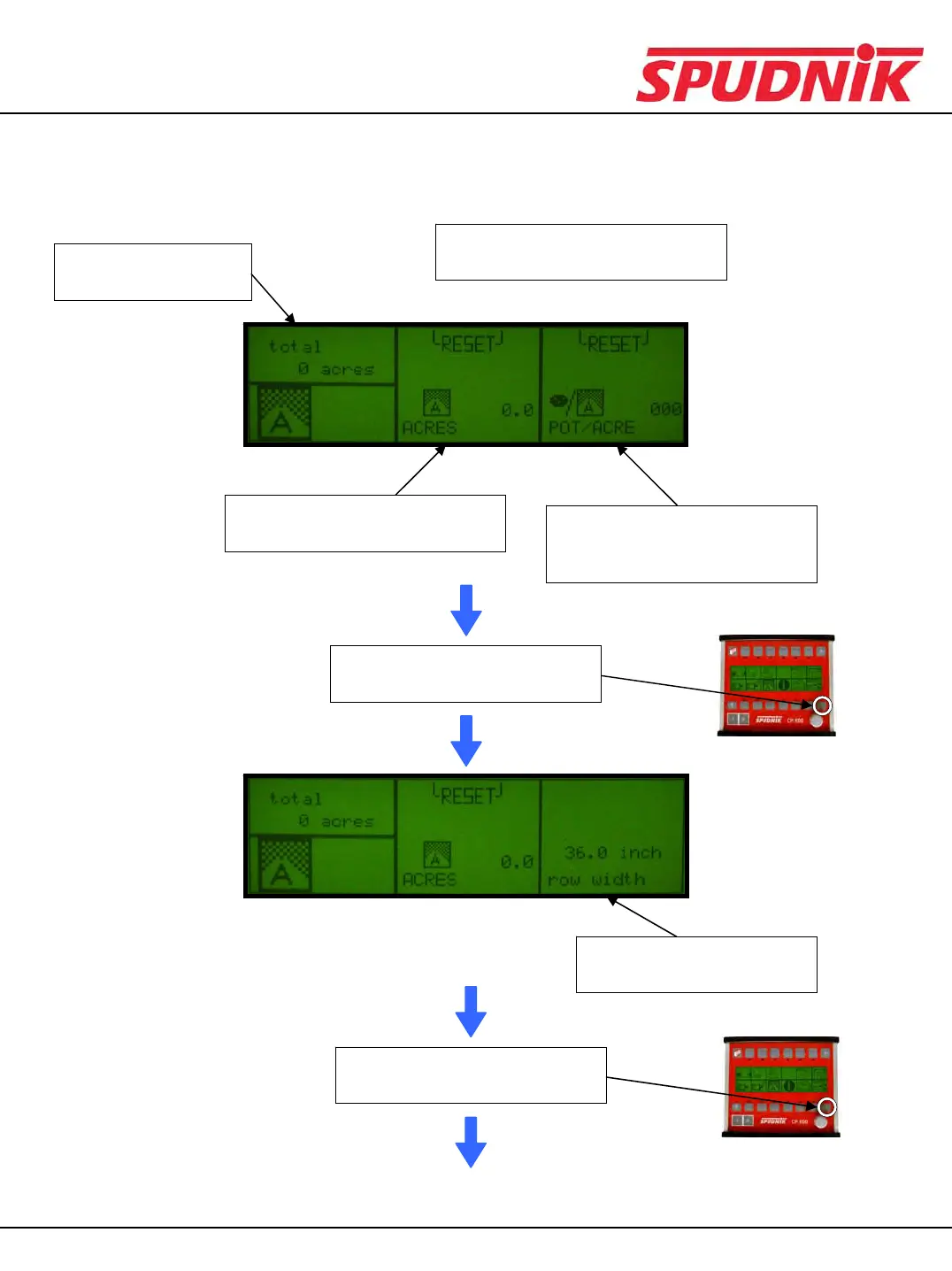
After choosing the acre meter icon, you will see this display:
Press the scroll down button
once to view the next display
This section displays the
number of seed per acre being
planted.
This section displays how many
acres have been planted.
Press the function buttons above
the resets to reset the value.
Acres are measured
in 10 acre intervals.
This section displays the
current row spacing.
Press the scroll down button
once to view the next display
(Continued on the next page)
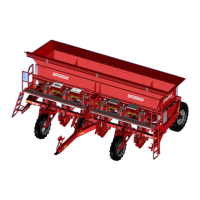
CP600 CONTROL BOX


 To Next Page