Operators manual MODEL 80XX Planter
page 45 of 173
Fertilizer Hydraulic Drive
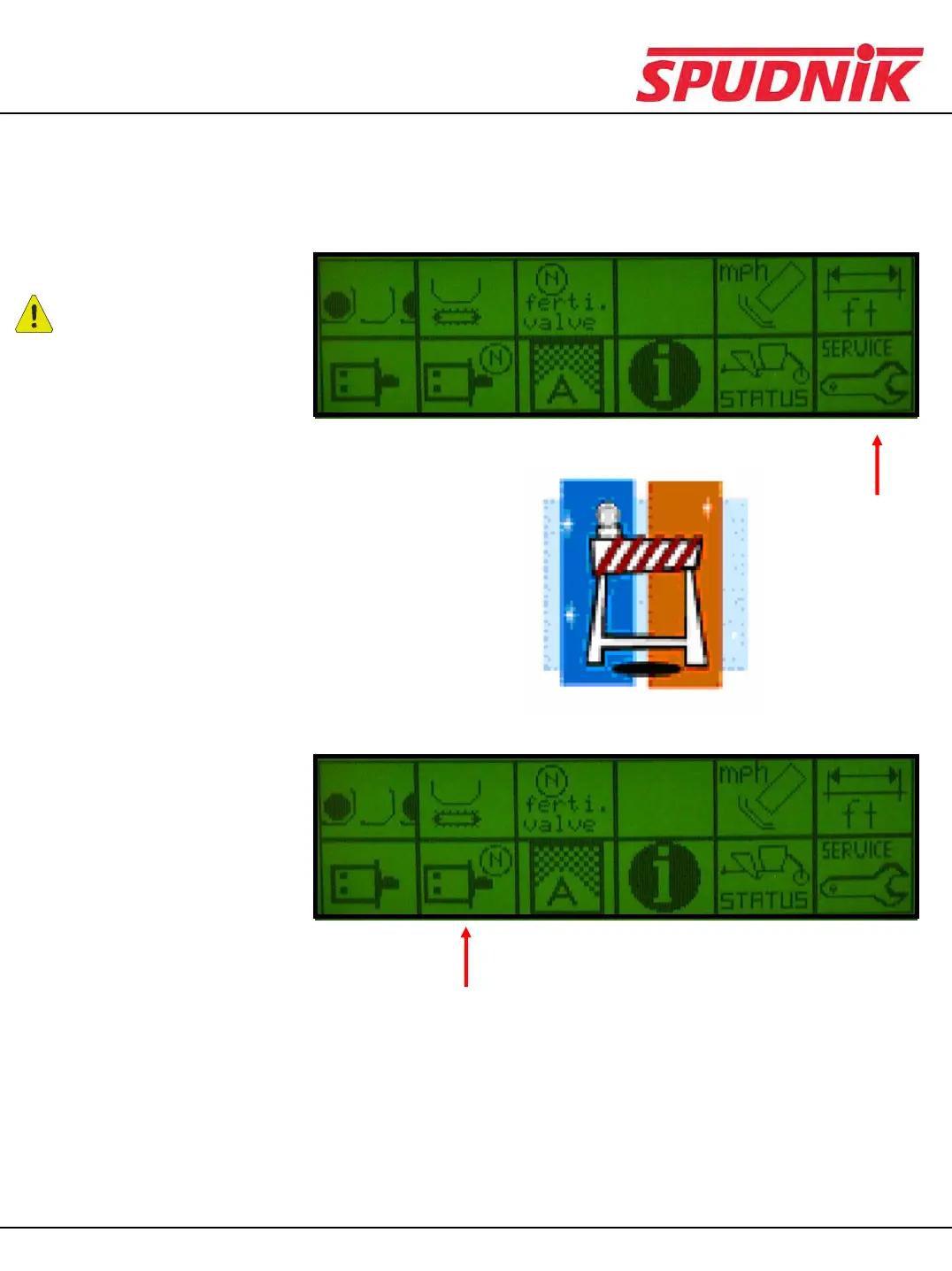
CAUTION:
1) Select the ‘SERVICE’
icon.
2) Refer to the password
section to modify the
system parameters.
Use extreme caution
when modifying
parameters! Write
down the existing
parameters before
modifying.
3) Select the
‘FERTILIZER
HYDRAULIC DRIVE’
icon.
To set up the hydraulic drive configuration requires a password and extreme CAUTION. All machines
are set-up at the factory. Make note of factory settings before changing.
Note: Manually running the
hydraulic drive does not
require a password, skip to #3
CP600 CONTROL BOX


 To Next Page