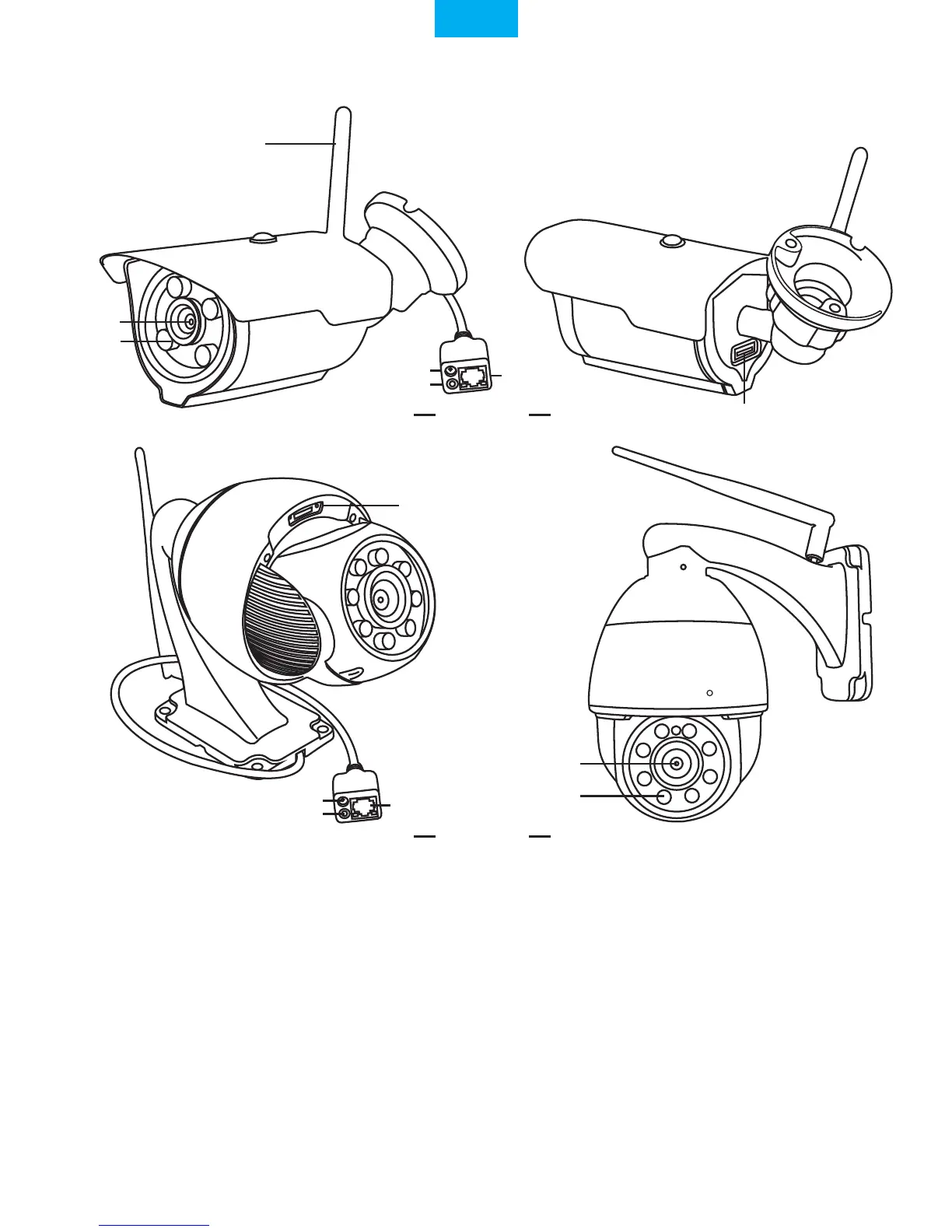
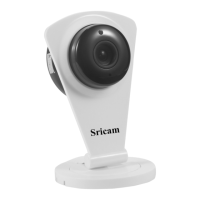
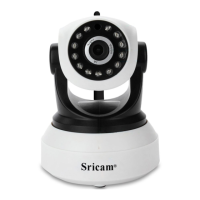
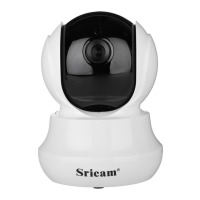
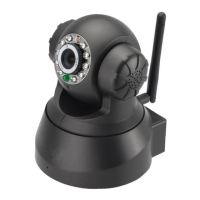
Products Introduction
Before starting setup
Make sure of the following:
- Your router supports the 2.4GHz frequency band (802.11b/g/n).
- Your router DHCP is enabled.
- Your smartphone is connected to the Internet with a WLAN/Wi-Fi that the camera will connect with.
- You know the WLAN/Wi-Fi password.( No special characters in the password and Wi-Fi name such
as @#$%^&*).
- For Videos of how to setup IP Cameras please visit Website: www.sricam.com/videos
-1-
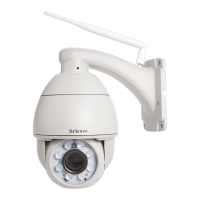
Power Jack
Reset
LAN Port
Lens
IR LED
SP007
SP008
Lens
IR LED
Antenna
MicroSD
Card Slot
MicroSD
Card Slot
Power Jack
Reset
LAN Port
Sricam
R
EnglishEnglish
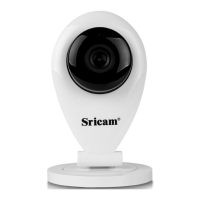
(Note:Sricam standard model SP015 don't support microSD card, if need can be customized).


 To Next Page