very careful during wiring.
Warning: Danger, Explosion hazards! If the positive and negative terminals
of battery and the wires connected to them are short-circuited, it may cause a fire or
explosion. Please be very careful in operation.
Please connect the battery first, and then the solar panel. Please follow the “+”
first and “-” next method when wiring.
When all wires are connected firmly and reliably, check whether the wiring is
proper and whether the polarity is reversed. After confirmation, connect the battery fuse
or circuit breaker and observe whether the LED indicator is on. If not, disconnect the
fuse or circuit breaker immediately and check whether wiring is correct.
As the battery is properly energized, connect the solar panel. If there is sufficient
sunlight, the charge indicator of controller will be steady on or flash and start to charge
the battery.
Warning: When the controller has stopped charging for 10 minutes, reverse
polarity of the battery can damage the controller's internal components.
Notes:
1) Note that the battery fuse shall be installed as close as possible to the
battery terminal. The recommended distance is not more than 150mm.
2) The battery temperature is 25°C (fixed value) when the controller is not
collected to a remote temperature sensor.
3. Product Operation and Display
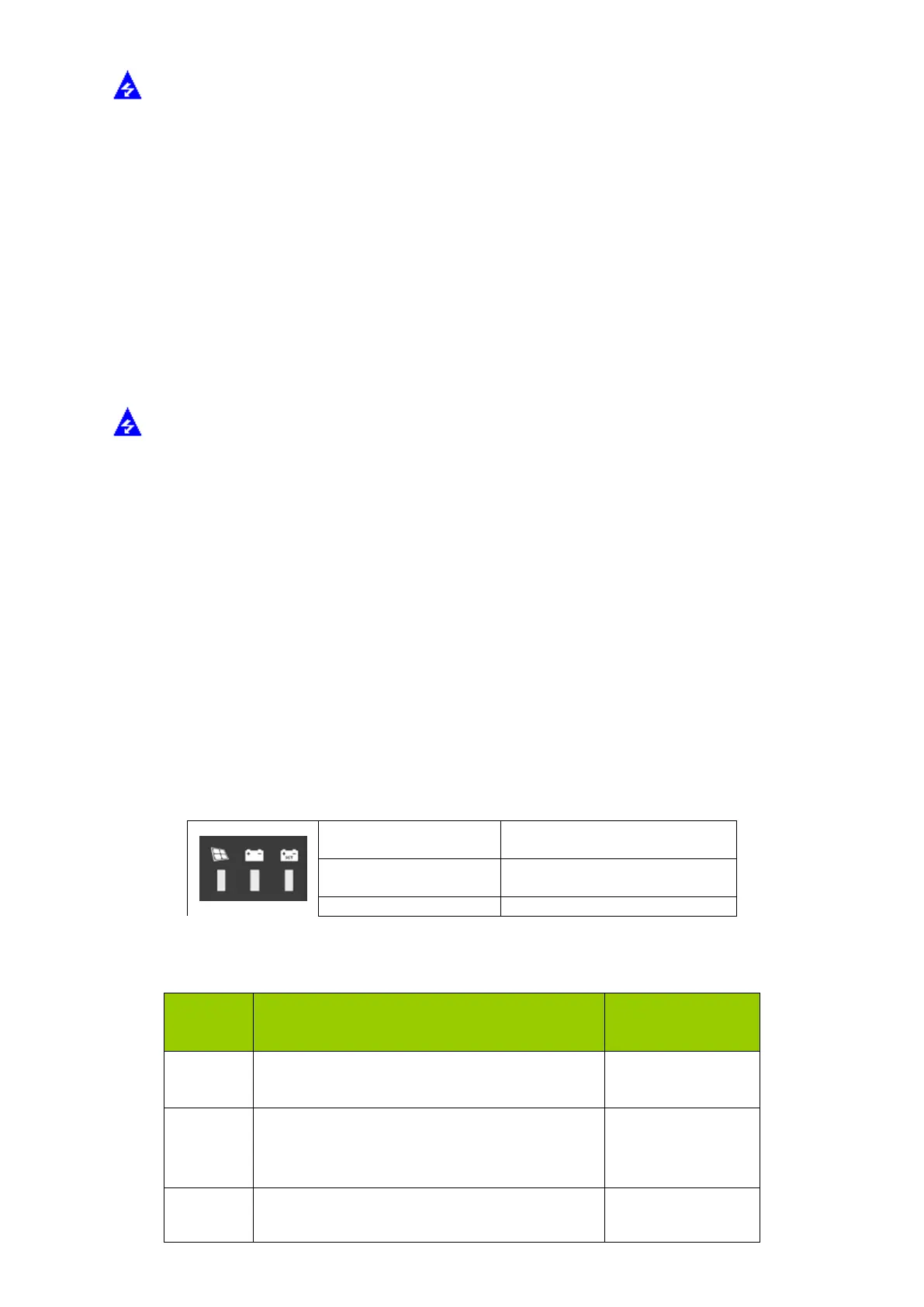
3.1. LED Indication
There are a total of three indicators on the controller



 To Next Page