G
G-P6025-TM001
Issue B
DigiSAFE DiskCrypt M100 User Manual 7
3.2 Using the built-in keypad
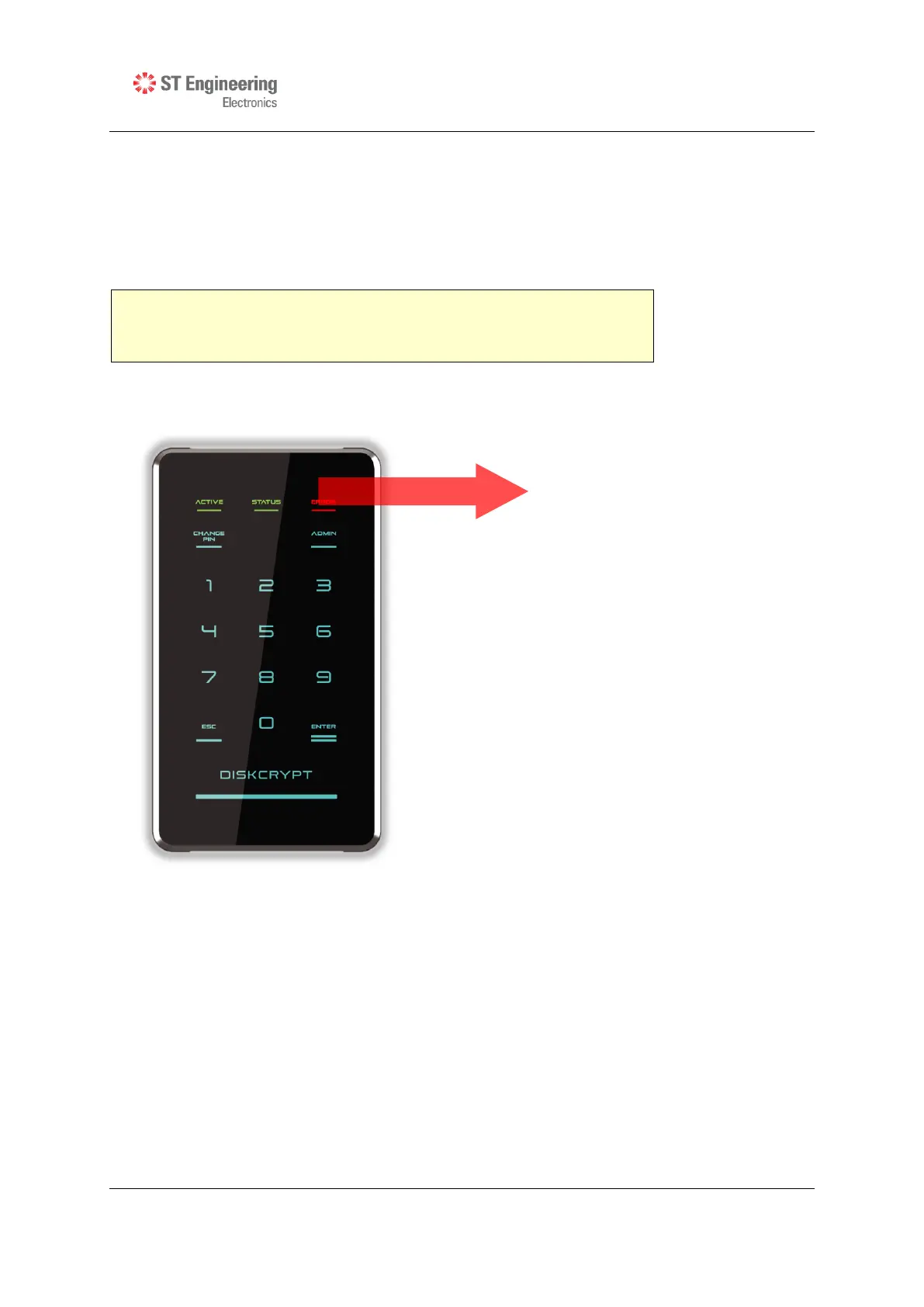
The built-in keypad allows you to enter or change your PIN (refer to Section 4.1 on
Change Smart Card PIN) and perform other Administrative functions. It works on the
principle of capacitive sensing to provide a better user experience and can detect the
presence of a touch on the button.



 To Next Page