6000 COUNTS DIGITAL MULTIMETER
8
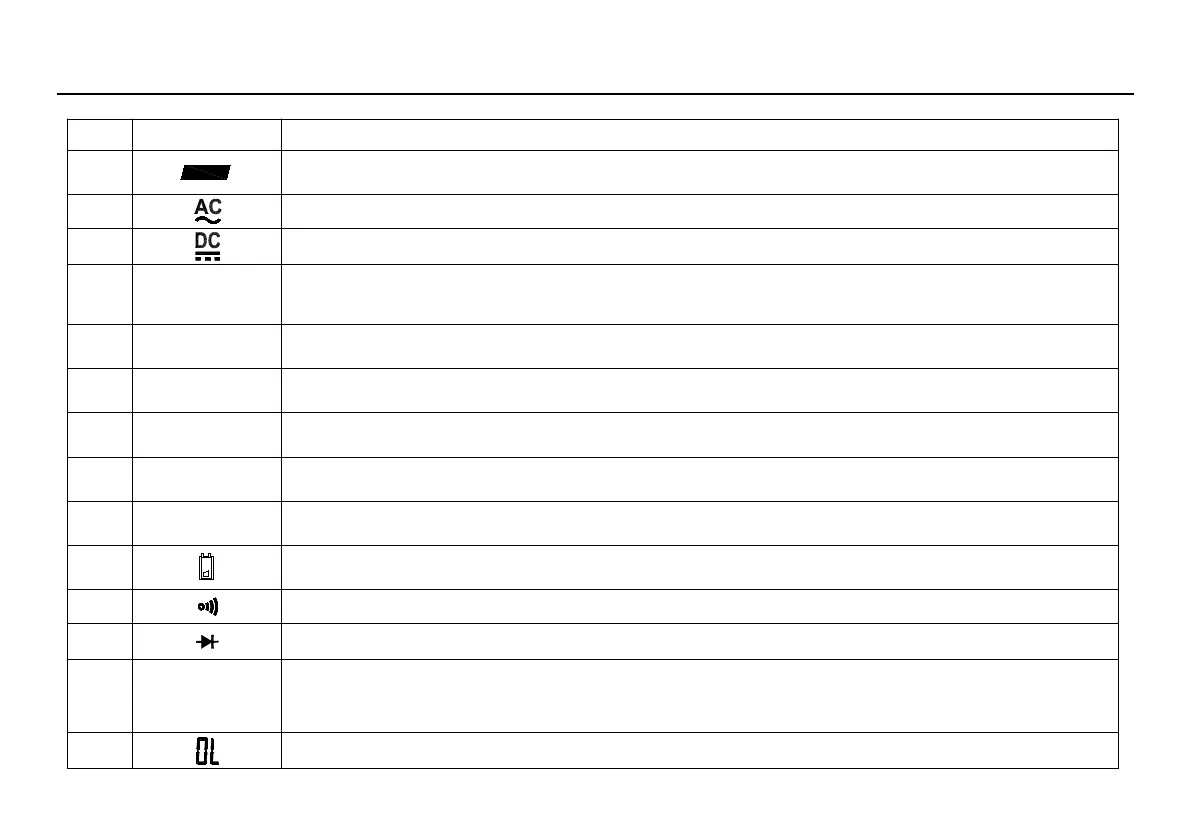
LCD screen is shown as in Figure 2-2, with its every symbol’s meaning shown as in the Table 1:
1
Indicates negative readings
Indicator for AC voltage or current
Indicator for DC voltage or current
The meter is in the Autorange mode in which the meter automatically selects the range
with the best resolution.
The Meter is in the data transmission mode.
The meter is in Data Hold mode.
The meter is in Relative Measurement mode.
The meter is in Continuity Check mode.
The meter is in Diode Test mode.
This symbol means that the input is too large for the selected range.



 To Next Page